AI
AI Agent tutorials: Codex, Skills For Real Engineers, Superpowers, Lark CLI, Spec Kit, Trellis, gitnexus, Open Code Review, Headroom, rtk, Ponytail, ccusage, prompting tips.
Cherry Studio: LLM Desktop Client
Cherry Studio is a desktop client that supports multiple large language model providers.

Download Client | Cherry Studio
paru -S cherry-studio-binChatbox
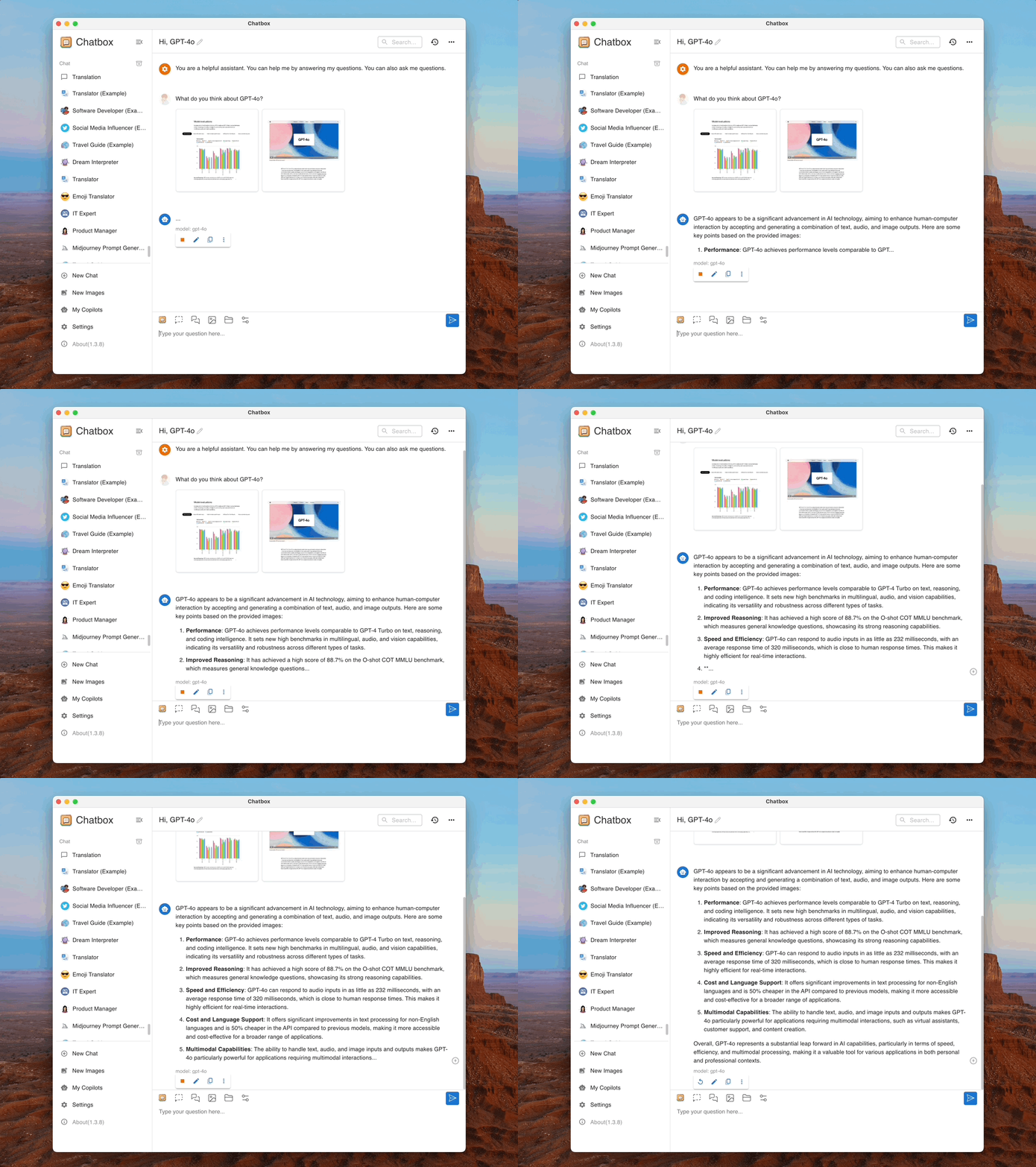
Chatbox AI is an AI client and assistant that supports a wide range of advanced AI models and APIs on Windows, macOS, Android, iOS, Linux, and the web.
paru -S chatbox-binCC Switch
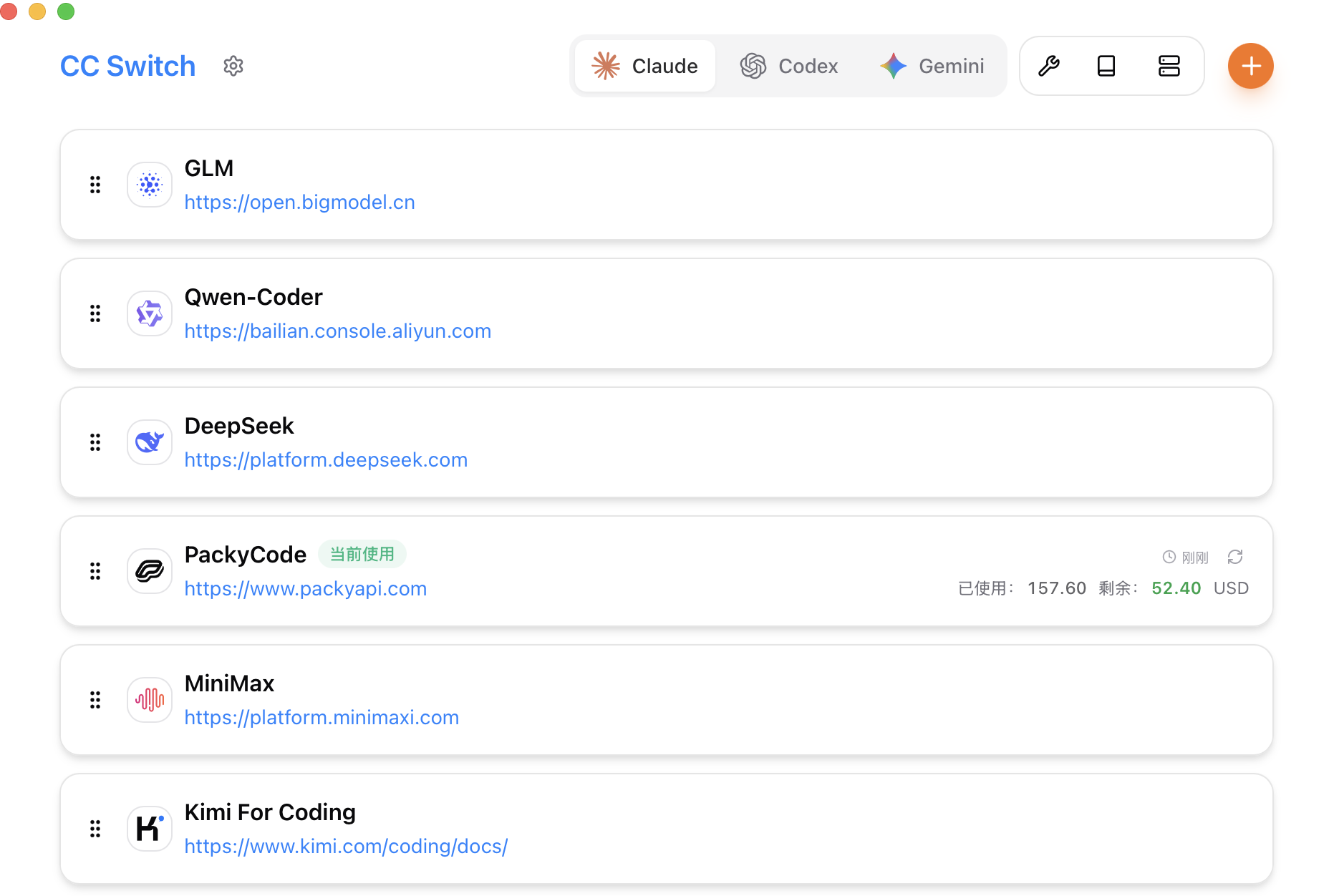
CC Switch provides a desktop app for managing all five CLI tools in one place. Instead of editing config files manually, you get a visual interface with one-click vendor import, one-click switching between vendors, 50+ built-in vendor presets, unified MCP and SKILLS management, and instant system tray switching. Everything is backed by SQLite and atomic writes to avoid corrupting your configuration.
Releases · farion1231/cc-switch
paru -S cc-switch-binAfter launching the app, add a provider under the target CLI, enter the API base URL and key, add the model, then switch providers. All CLI tools except Claude Code need to be restarted before the changes take effect.
If you want to adjust the reasoning effort for OpenAI models while adding a provider, edit the JSON config. Supported values are off, minimal, low, medium, high, and xhigh:
{
  "models": {
    "gpt-5.4": {
      "name": "GPT-5.4",
      "options": {
        "reasoning": {
          "effort": "xhigh"
        }
      }
    },
    "gpt-5.3-codex": {
      "name": "GPT-5.3 Codex",
      "options": {
        "reasoning": {
          "effort": "xhigh"
        }
      }
    }
  },
  "npm": "@ai-sdk/openai-compatible",
  "options": {
    "apiKey": "sk-xxx",
    "baseURL": "https://example.com/v1"
  }
}
OpenCode
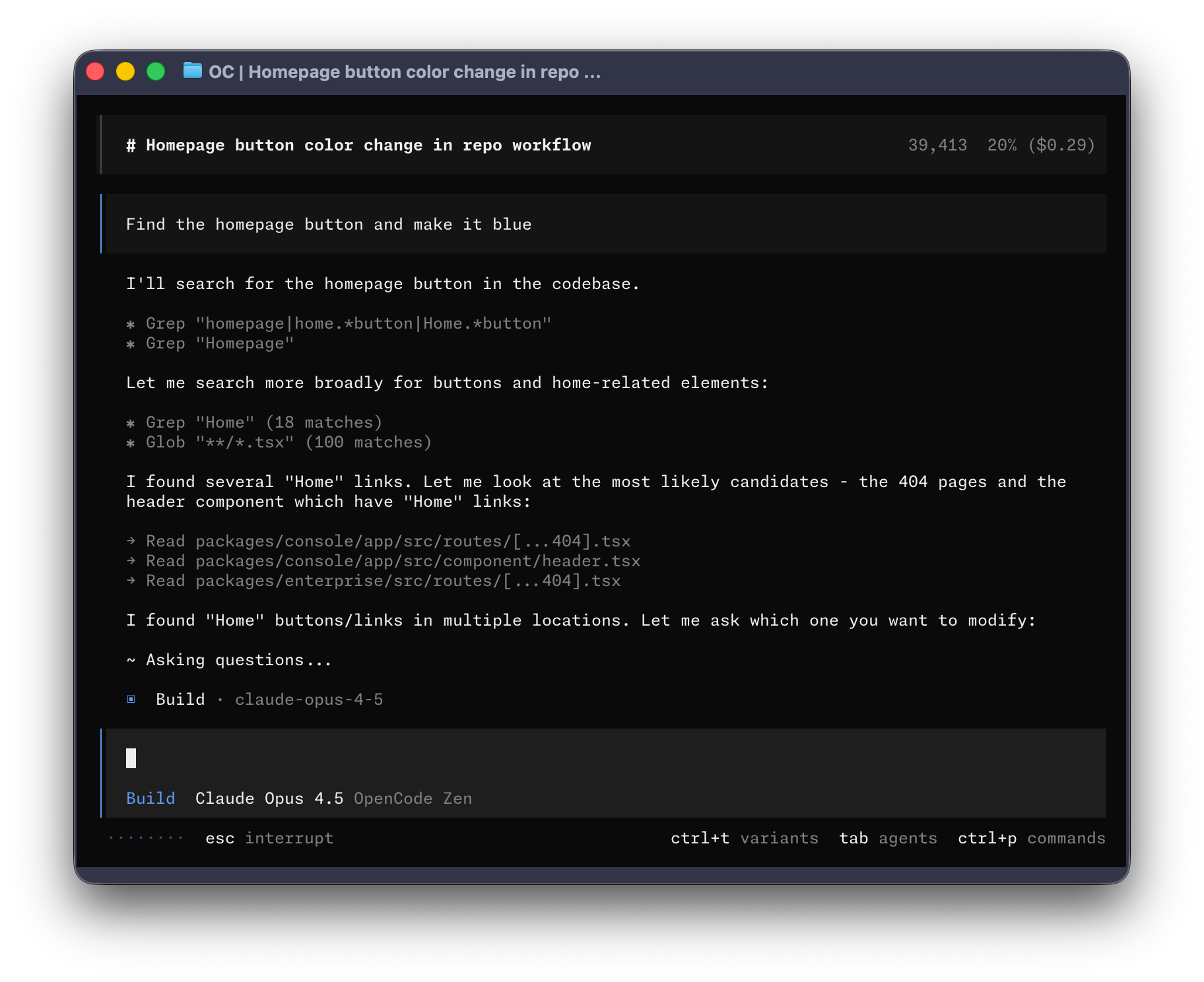
OpenCode is an open-source AI coding agent. It provides a terminal interface, desktop app, and IDE extensions.
# install with script
curl -fsSL https://opencode.ai/install | bash
# install with Node
npm i -g opencode-ai
# install from AUR
paru -S opencode

# create the config directory
mkdir -p ~/.config/opencode

# enable LSP
echo 'export OPENCODE_EXPERIMENTAL_LSP_TOOL=true' >> ~/.zshrc
echo 'export OPENCODE_ENABLE_EXA=1' >> ~/.zshrc
source ~/.zshrc
To configure a third-party API, edit ~/.config/opencode/opencode.json:
{
  "$schema": "https://opencode.ai/config.json",
  "provider": {
    "openai": {
      "options": {
        "baseURL": "https://example.com/v1",
        "apiKey": "sk-xxx"
      },
      "models": {
        "gpt-5.4": {
          "name": "GPT-5.4",
          "limit": {
            "context": 1050000,
            "output": 128000
          },
          "options": {
            "store": false,
            "reasoningEffort": "medium",
            "textVerbosity": "low",
            "reasoningSummary": "auto"
          },
          "variants": {
            "low": {
              "reasoningEffort": "low",
              "textVerbosity": "low"
            },
            "medium": {
              "reasoningEffort": "medium",
              "textVerbosity": "low"
            },
            "high": {
              "reasoningEffort": "high",
              "textVerbosity": "low"
            },
            "xhigh": {
              "reasoningEffort": "xhigh",
              "textVerbosity": "low"
            }
          }
        },
        "gpt-5.3-codex": {
          "name": "GPT-5.3 Codex",
          "limit": {
            "context": 400000,
            "output": 128000
          },
          "options": {
            "store": false,
            "reasoningEffort": "medium",
            "textVerbosity": "low",
            "reasoningSummary": "auto"
          },
          "variants": {
            "low": {
              "reasoningEffort": "low",
              "textVerbosity": "low"
            },
            "medium": {
              "reasoningEffort": "medium",
              "textVerbosity": "low"
            },
            "high": {
              "reasoningEffort": "high",
              "textVerbosity": "low"
            },
            "xhigh": {
              "reasoningEffort": "xhigh",
              "textVerbosity": "low"
            }
          }
        }
      }
    }
  },
  "model": "openai/gpt-5.4",
  "small_model": "openai/gpt-5.3-codex",
  "permission": {
    "*": "allow",
    "external_directory": {
      "*": "ask"
    },
    "doom_loop": "ask",
    "bash": {
      "*": "allow",
      "git push*": "ask",
      "git commit*": "ask",
      "rm*": "ask",
      "sudo*": "ask"
    },
    "edit": {
      "*": "allow"
    }
  },
  "agent": {
    "build": {
      "options": {
        "store": false
      }
    },
    "plan": {
      "options": {
        "store": false
      }
    }
  }
}# open a new terminal
$ opencode
# select the model
> /modelsOpenCode Desktop
paru -S opencode-desktop-binClaude Code
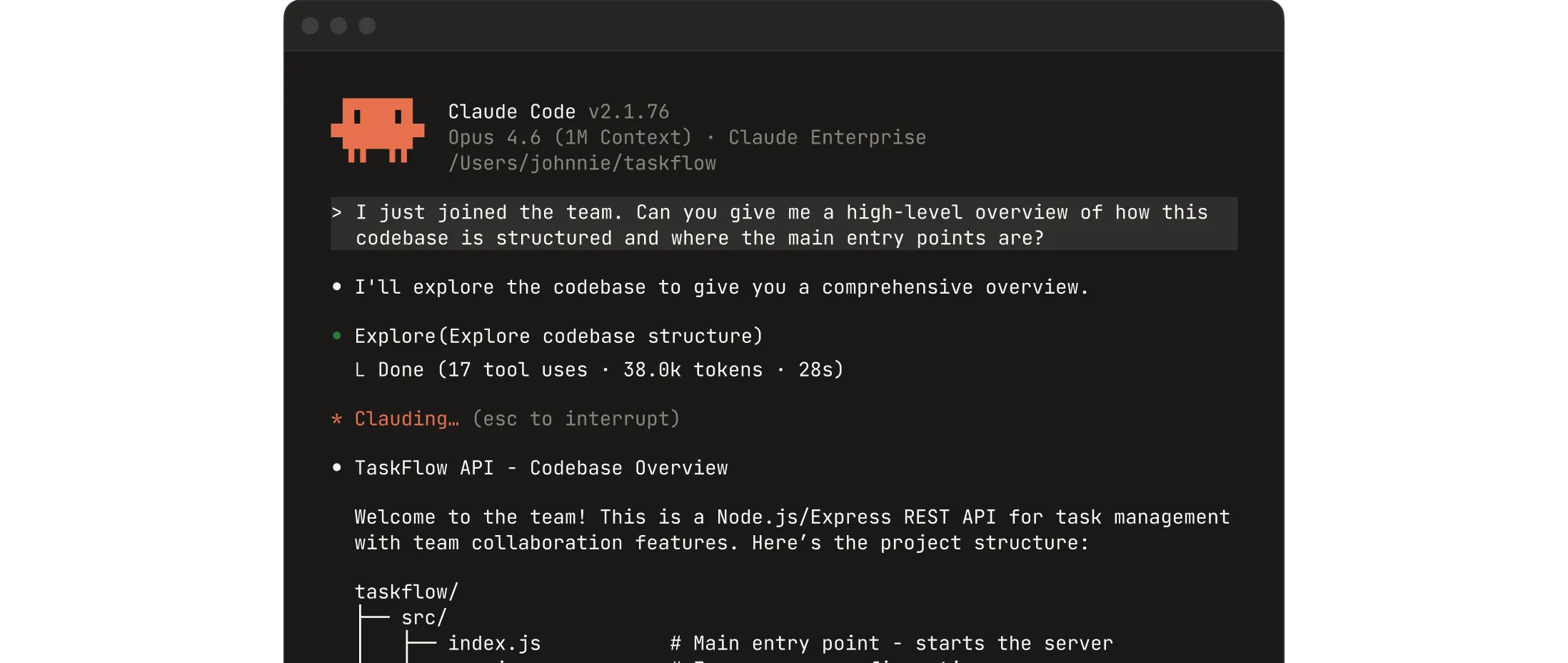
Collaborate with Claude directly inside your codebase. You can build, debug, and ship from the terminal, IDE, Slack, or the web. Describe what you need, and let Claude handle the rest.
Download Claude | Claude by Anthropic
# install with script
curl -fsSL https://claude.ai/install.sh | bash
# install with Node
npm i -g @anthropic-ai/claude-code
# install from AUR
paru -S claude-code
Configure a third-party API:
# open a new terminal

# set a third-party base URL and key temporarily
$ export ANTHROPIC_BASE_URL="https://example.com/v1"
$ export ANTHROPIC_AUTH_TOKEN="sk-xxx"

# set a third-party base URL and key permanently
$ echo 'export ANTHROPIC_BASE_URL="https://example.com/v1"' >> ~/.zshrc
$ echo 'export ANTHROPIC_AUTH_TOKEN="sk-xxx"' >> ~/.zshrc
$ source ~/.zshrc

$ claude

Security guide

❯ 1. Yes, I trust this folder
  2. No, exit
Claude Desktop
Chat, Claude Cowork, and Claude Code, all in one place.
Download Claude | Claude by Anthropic
paru -S claude-desktopCodex CLI
Codex CLI is a coding assistant released by OpenAI.
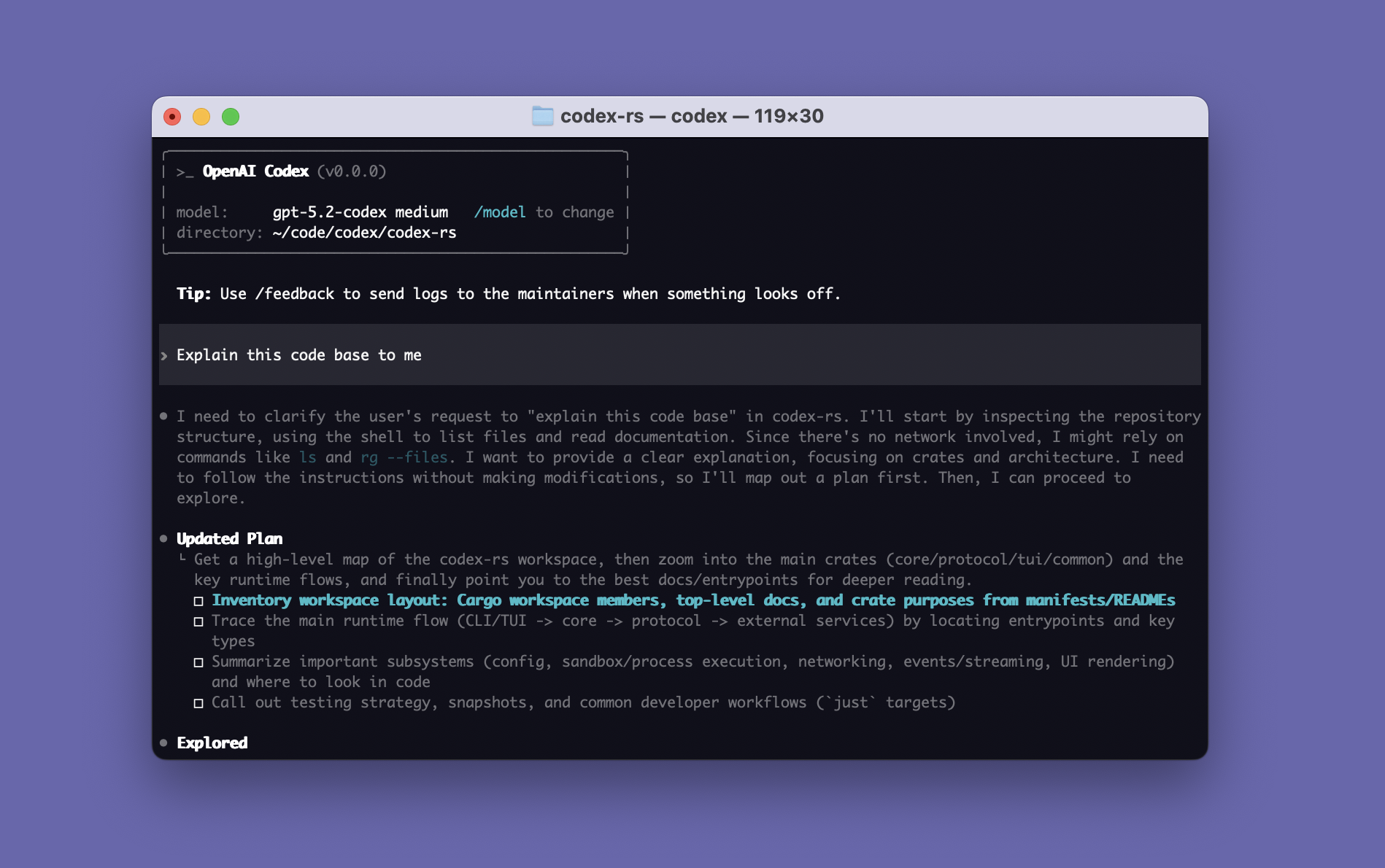
CLI - Codex | OpenAI Developers
$ npm i -g @openai/codexConfigure a third-party API:
$ mkdir -p ~/.codex

# configure the third-party key
$ nano ~/.codex/auth.json

{
  "OPENAI_API_KEY": "sk-xxx"
}

# configure the third-party base URL and related settings
$ nano ~/.codex/config.toml

model_provider = "OpenAI"
model = "gpt-5.4"
review_model = "gpt-5.4"
model_reasoning_effort = "xhigh"
disable_response_storage = true
network_access = "enabled"
windows_wsl_setup_acknowledged = true
model_context_window = 1000000
model_auto_compact_token_limit = 900000

[model_providers.OpenAI]
name = "OpenAI"
base_url = "https://example.com/v1"
wire_api = "responses"
requires_openai_auth = true

# run
$ codex
Codex Desktop
Codex Desktop is a desktop experience focused on handling Codex threads in parallel, with built-in worktree support, automations, and Git features.
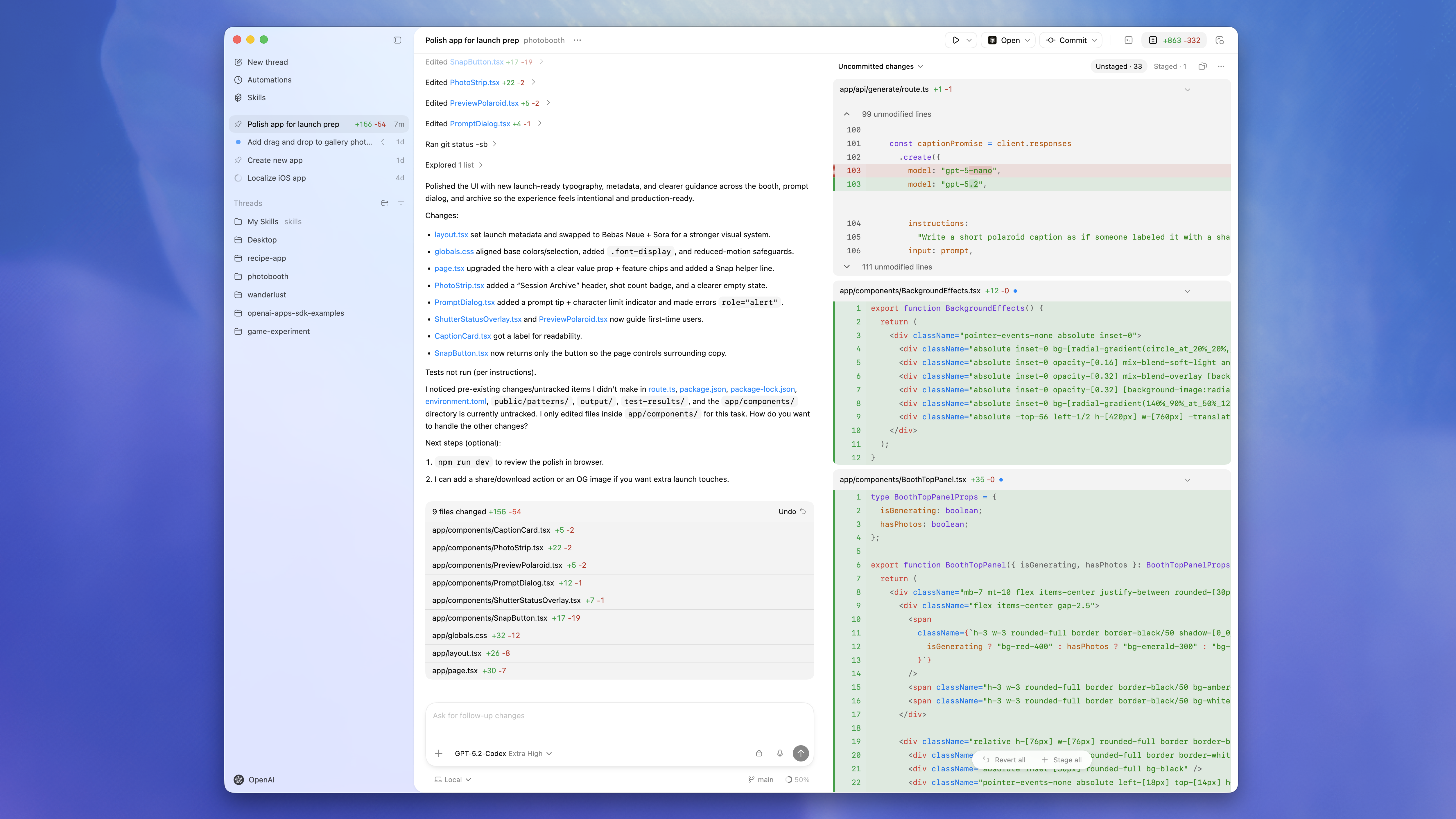
App - Codex | OpenAI Developers
# Codex CLI installed with npm when required
$ npm i -g @openai/codex
# install
$ paru -S chatgpt-desktop
ZCode Desktop
ZCode combines powerful AI agents with your existing toolchain, so you can plan, code, review, and ship from the workflows you already know.
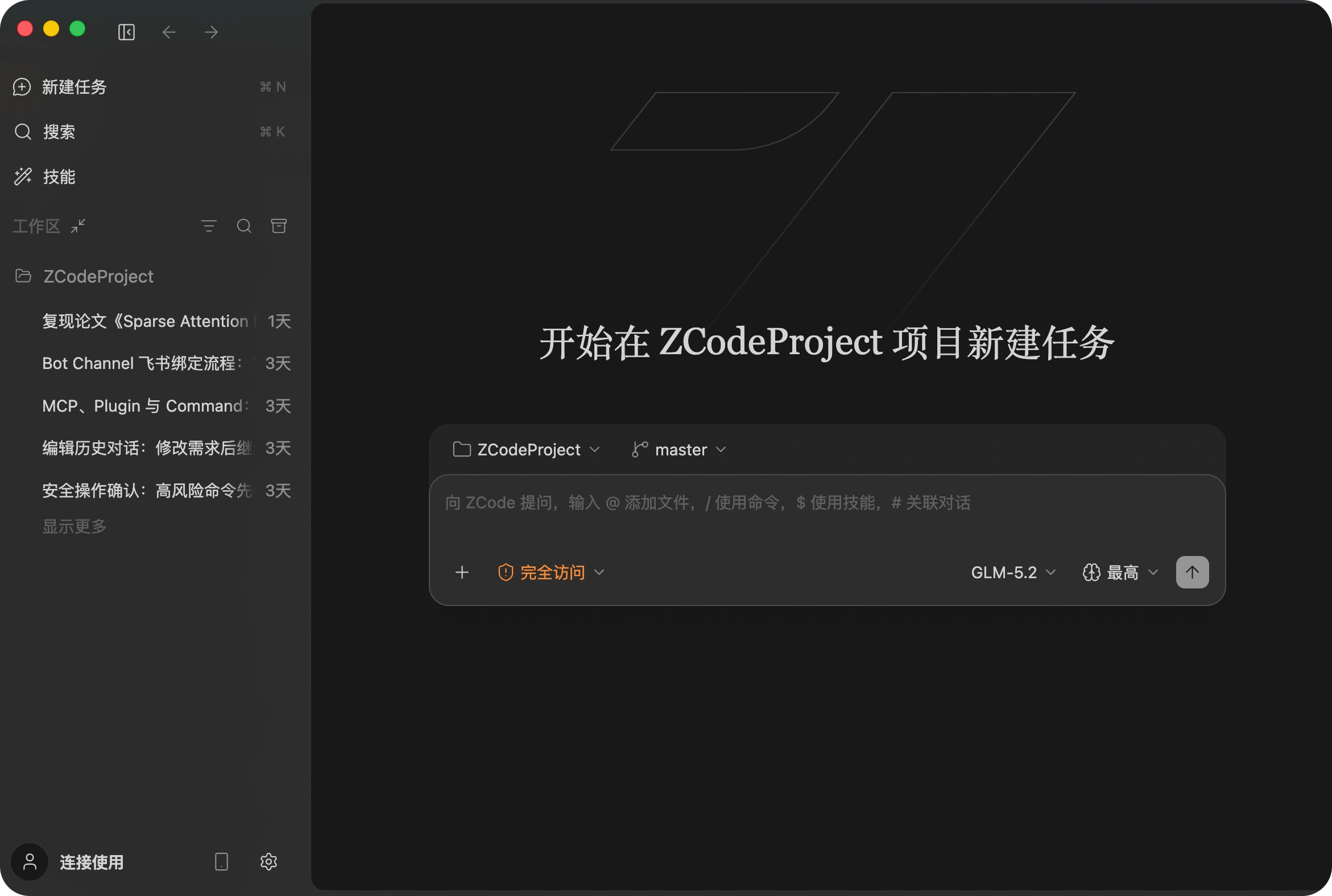
ZCode - Simple, Fast, Vibe‑Ready
paru -S zcodeReasonix Desktop
A DeepSeek-native agent for your terminal. The loop is append-only, aligned to DeepSeek's byte-stable prefix cache — so long sessions hold 90%+ cache hit and input-token cost collapses to ~1/5. Terminal-first, with a local browser UI when you want one.
Reasonix — DeepSeek-native coding agent for your terminal
paru -S reasonix-desktop-binDesktop CC GUI
ccgui is built for professional developers and works as an alternative to Cursor. It focuses on developer experience, with the long-term goal of becoming a next-generation, fully open source and transparent vibe-coding editor that supports engines such as Claude Code and Codex.
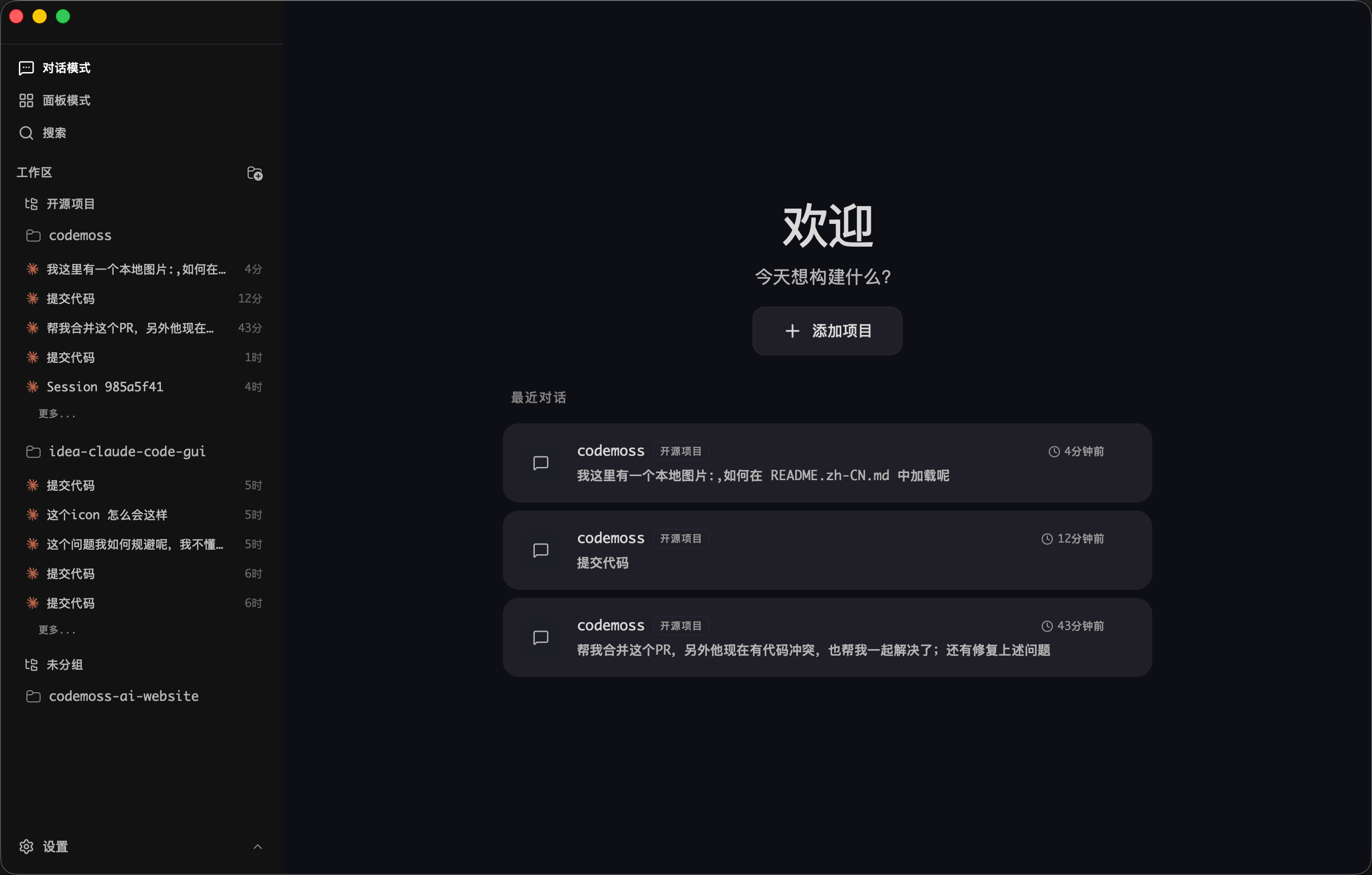
zhukunpenglinyutong/desktop-cc-gui
paru -S ccgui-binPaseo
Manage all your Claude Code, Codex, and OpenCode agents from a single interface.
Paseo - Run Claude Code, Codex, and OpenCode from everywhere
paru -S paseo-desktop-binIf installation fails with output like this:
==> Starting prepare()...
zstd: /*stdin*\: xz/lzma file cannot be uncompressed (zstd compiled without HAVE_LZMA) -- ignored
tar: Child died with signal 13
tar: Error is not recoverable: exiting now
==> ERROR: A failure occurred in prepare().cd ~/.cache/paru/clone/paseo-desktop-bin
sed -i 's/tar --zstd -x/tar -xJ/' PKGBUILD
makepkg -siCline CLI
Cline CLI runs an AI coding agent directly in your terminal. You can pipe git diff into it for automated code review in CI/CD, run multiple instances for parallel development, or integrate it into your existing shell workflows.
$ npm i -g clineConfigure a third-party API:
$ cline

How would you like to get started?
> Use your own API key

Select a provider
> OpenAI Compatible

OpenAI Compatible API Key
> sk-xxx

Model ID
> gpt-5.4

Base URL (optional)
> https://example.com/v1
rtk: Filter and Compact LLM Context
rtk filters and compacts command output before it reaches the LLM context. It is a single Rust binary with zero dependencies and typically adds less than 10 ms of overhead.
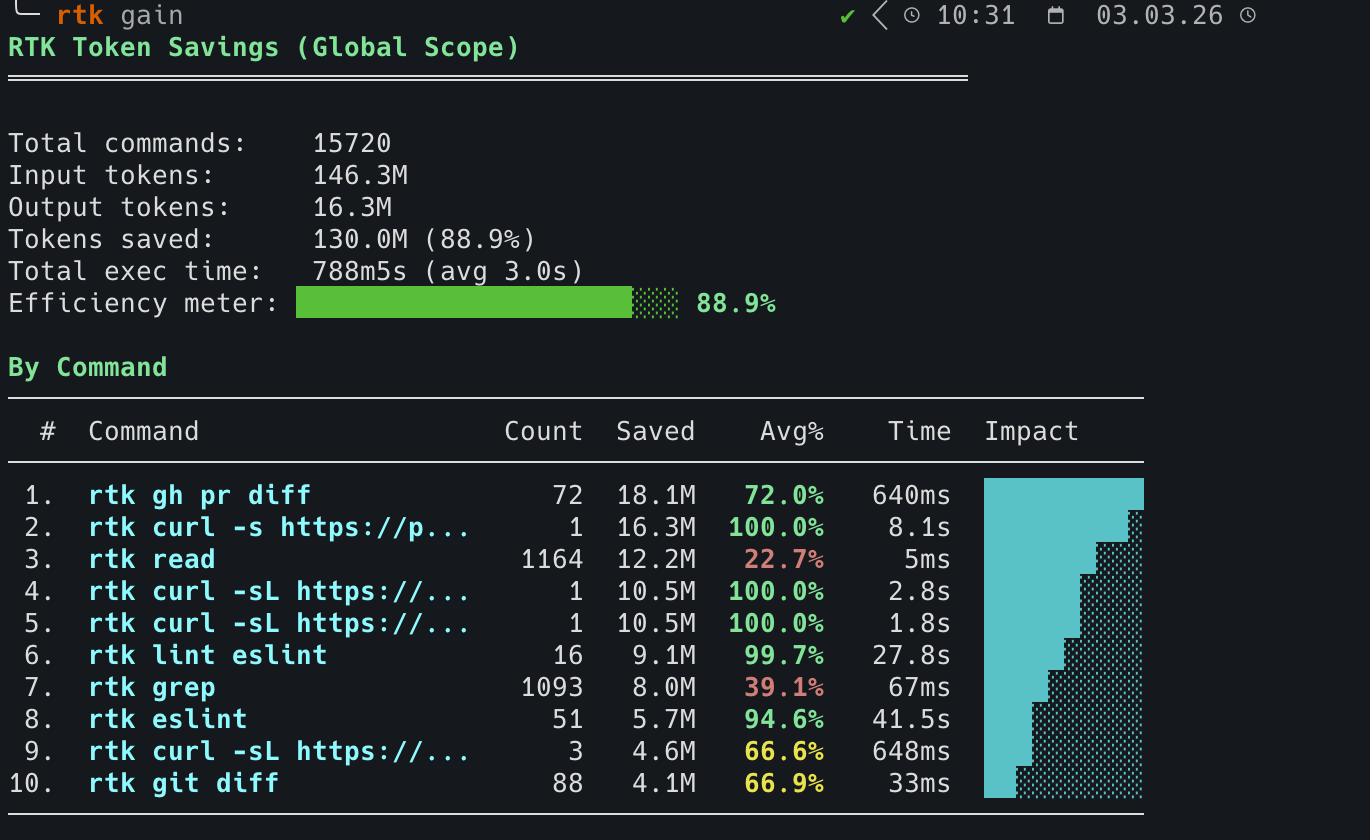
rtk - Make your AI coding agent smarter | CLI proxy
# install with script
curl -fsSL https://raw.githubusercontent.com/rtk-ai/rtk/refs/heads/master/install.sh | sh
# install from AUR
paru -S rtk
Commands: rtk/README_zh.md at master · rtk-ai/rtk
Initialize:
# This installs a PreToolUse hook that transparently rewrites Bash commands
# into their rtk equivalents.
$ rtk init --global

RTK hook installed/updated (global).

  Hook:      /home/duanluan/.claude/hooks/rtk-rewrite.sh
  RTK.md:    /home/duanluan/.claude/RTK.md (10 lines)
  CLAUDE.md: @RTK.md reference added

Patch existing /home/duanluan/.claude/settings.json? [y/N]
y

  settings.json: hook added
  Restart Claude Code. Test with: git status
  filters:   /home/duanluan/.config/rtk/filters.toml (template, edit to add user-global filters)


  [info] Anonymous telemetry is enabled (opt-out: RTK_TELEMETRY_DISABLED=1)
  [info] See: https://github.com/rtk-ai/rtk#privacy--telemetry
Initialize for a specific tool:
rtk init -g --opencode
rtk init -g --codex

rtk init -g --agent cursor
rtk init -g --agent windsurf
rtk init -g --agent cline
Show the current setup:
rtk init --show
rtk Configuration:

[ok] Hook: /home/njcm/.claude/hooks/rtk-rewrite.sh (thin delegator, version 3)
[ok] RTK.md: /home/njcm/.claude/RTK.md (slim mode)
[ok] Integrity: hook hash verified
[ok] Global (~/.claude/CLAUDE.md): @RTK.md reference
[--] Local (./CLAUDE.md): not found
[ok] settings.json: RTK hook configured
[ok] OpenCode: plugin installed (/home/njcm/.config/opencode/plugins/rtk.ts)
[--] Cursor hook: not found
[--] Cursor hooks.json: not found

Usage:
  rtk init              # Full injection into local CLAUDE.md
  rtk init -g           # Hook + RTK.md + @RTK.md + settings.json (recommended)
  rtk init -g --auto-patch    # Same as above but no prompt
  rtk init -g --no-patch      # Skip settings.json (manual setup)
  rtk init -g --uninstall     # Remove all RTK artifacts
  rtk init -g --claude-md     # Legacy: full injection into ~/.claude/CLAUDE.md
  rtk init -g --hook-only     # Hook only, no RTK.md
  rtk init --codex            # Configure local AGENTS.md + RTK.md
  rtk init -g --codex         # Configure ~/.codex/AGENTS.md + ~/.codex/RTK.md
  rtk init -g --opencode      # OpenCode plugin only
  rtk init -g --agent cursor  # Install Cursor Agent hooks
Inspect savings:
rtk gain                        # summary
rtk gain --graph                # ASCII graph (30 days)
rtk discover                    # find missed savings opportunities
If it does not work with Codex or Claude Code, adjust ~/.codex/AGENTS.md or ~/.claude/CLAUDE.md:
$ nano ~/.codex/AGENTS.md

NO_BUILTINS.
SIMPLE_CMD: rtk <cmd>
COMPLEX_PIPELINE: rtk proxy sh -c "<cmd>"
@/home/xxx/.codex/RTK.md
Cockpit Tools
An AI IDE account manager that currently supports Antigravity, Codex, GitHub Copilot, Windsurf, Kiro, Cursor, Gemini CLI, CodeBuddy, CodeBuddy CN, Qoder, Trae, and Zed. It also supports multi-account, multi-instance parallel runs.
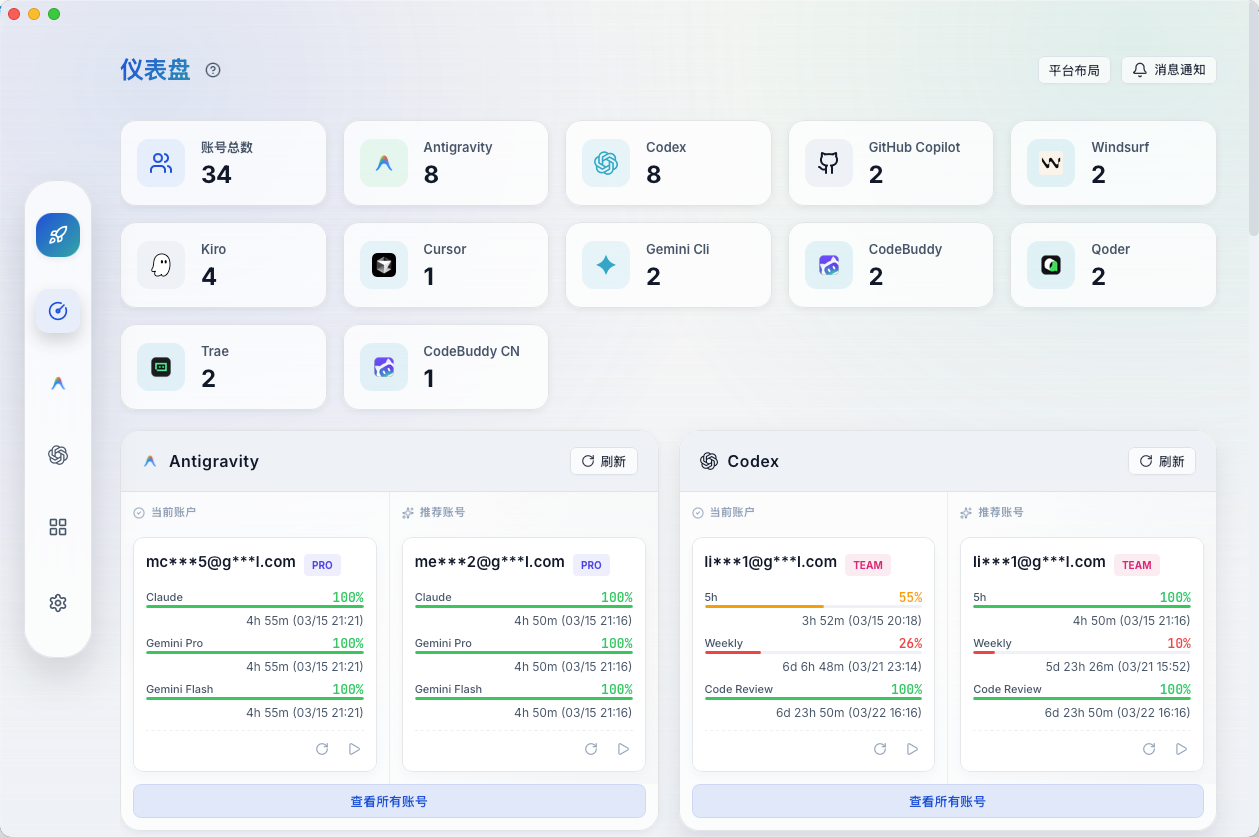
jlcodes99/cockpit-tools - GitHub
paru -S cockpit-tools-binCursor
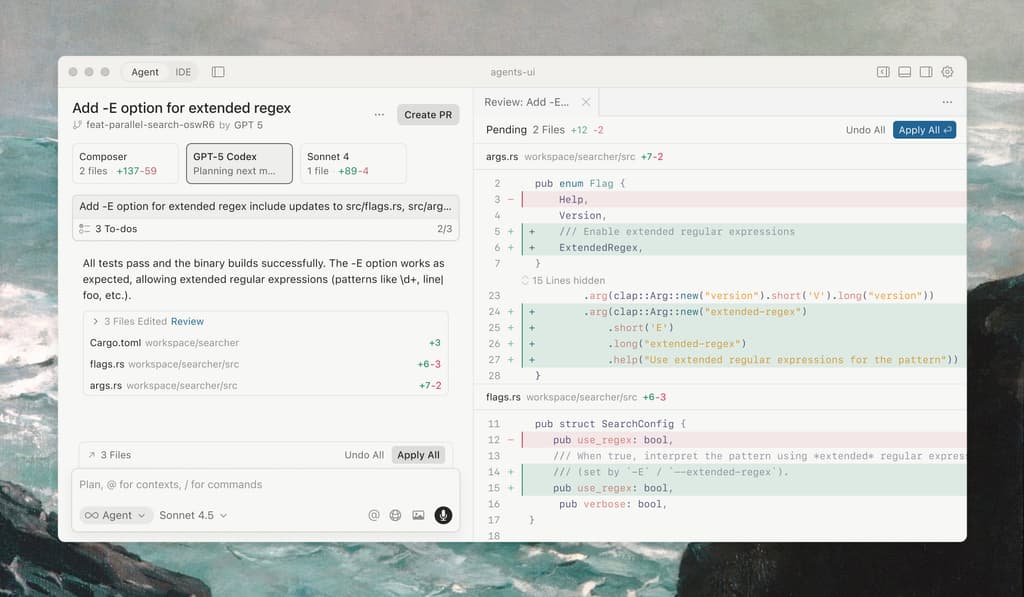
Cursor is built to make you dramatically more productive and is one of the strongest ways to code with AI.
paru -S cursor-binDevin Desktop (formerly Windsurf)
Windsurf has been renamed to Devin Desktop, an intuitive AI coding tool designed to keep you and your team productive.
paru -S devin-desktop-nextAntigravity
Google Antigravity AI IDE is an agent-first development environment that combines code editing, terminal access, and browser-level automation, allowing AI to participate directly in writing, debugging, and validating software.

paru -S antigravityKiro
Kiro provides a structured framework for AI coding through specification-driven development.
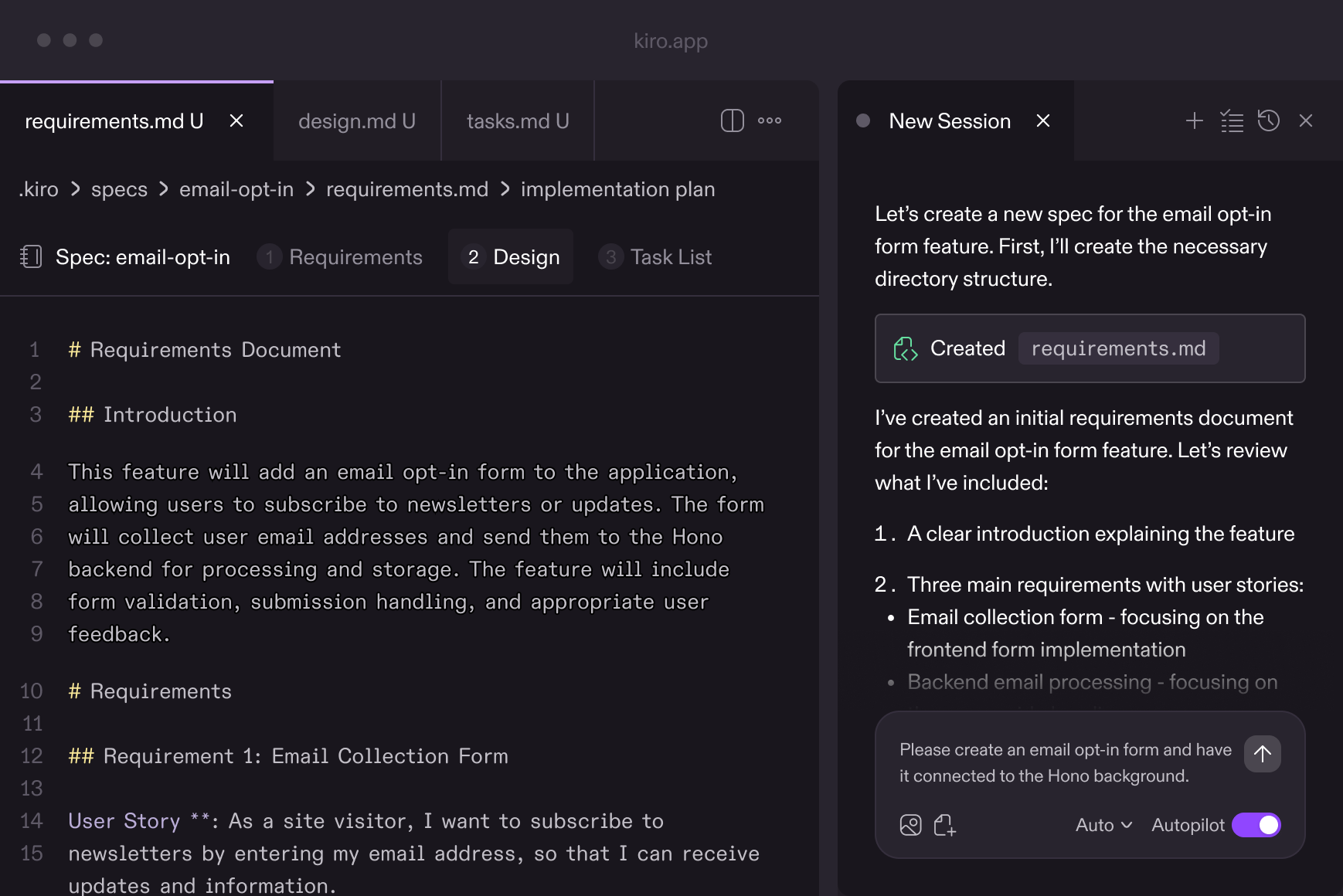
paru -S kiro-ideTrae
TRAE (/treɪ/) deeply integrates AI capabilities and acts like an AI software engineer that can understand requirements, use tools, and complete development tasks independently.
Download | TRAE - Collaborate with Intelligence
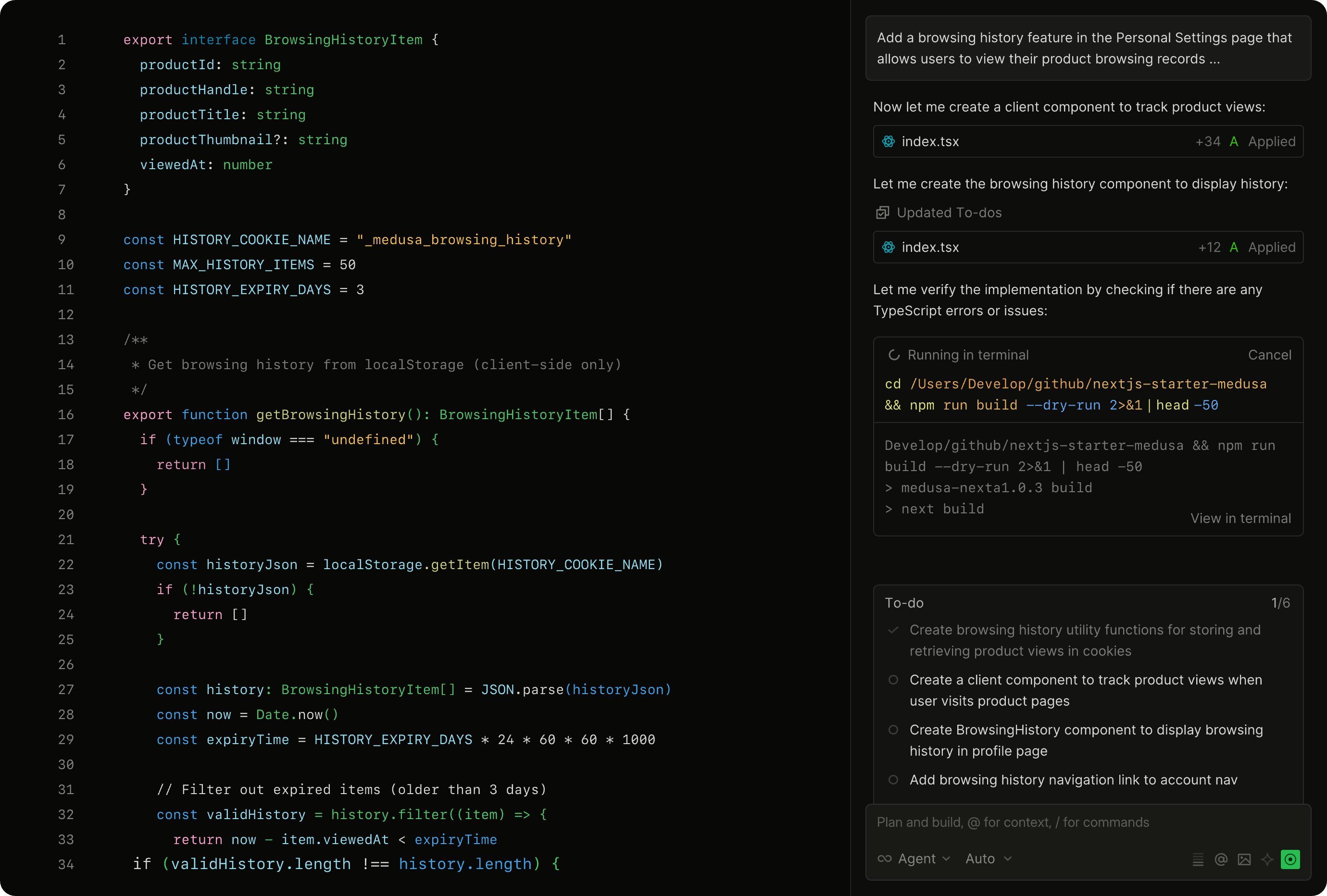
paru -S trae-binQoder
Qoder is an agentic programming platform built for real software projects.
paru -S qoder-binSuperset
A code editor for the age of AI agents. Run large numbers of Claude Code, Codex, and more on your machine.
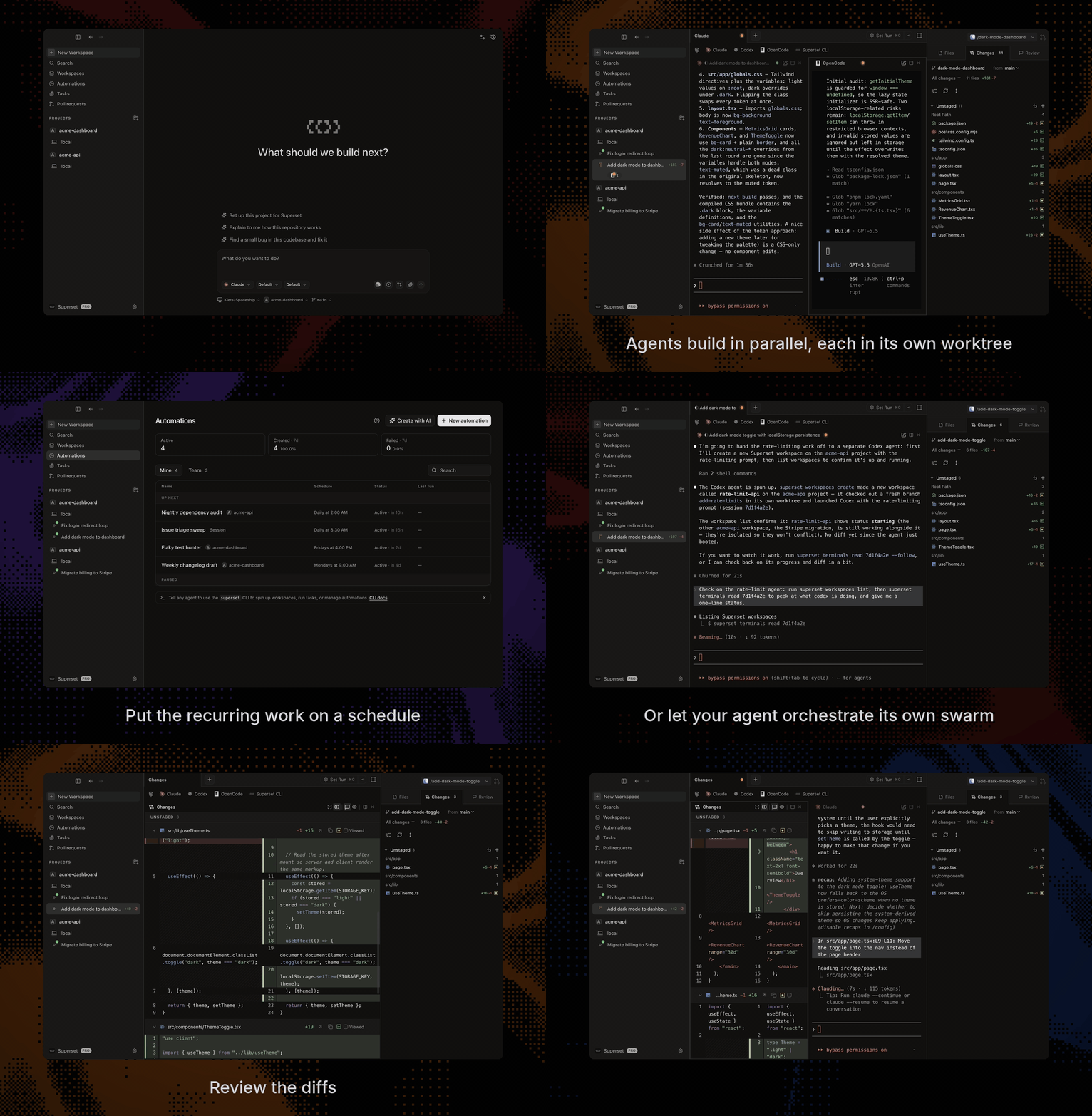
Superset - Run 10+ parallel coding agents on your machine
paru -S superset-bin