General
QQ
paru -S linuxqqWeChat
paru -S wechat-binOn Wayland, WeChat cannot be activated by global shortcuts. It is recommended to install wechat-xwayland, which launches WeChat through XWayland to fix this:
paru -S wechat-xwaylandWith wechat-xwayland installed, use the activation command it provides, /usr/bin/activate-wechat-xwayland; otherwise download activate-wechat.sh.
Search for Shortcuts in the launcher, then go to Add New -> Command or Script, and set the command to the activation command or script above.
Click Add on the right, assign the shortcut Ctrl Alt W, then click Apply.
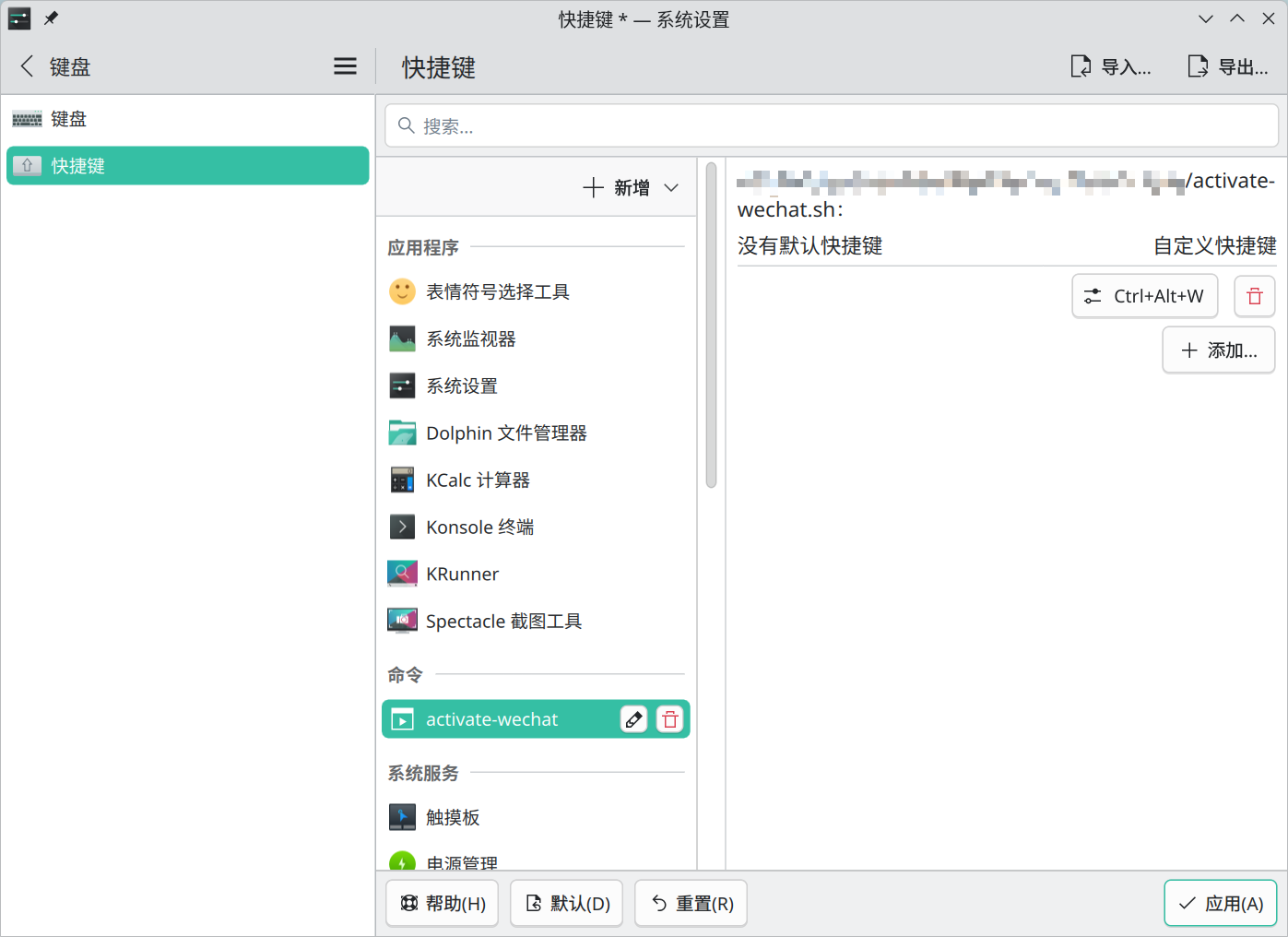
When WeChat is minimized to the panel or system tray, press Ctrl Alt W to bring the main window back.
Feishu
Download the Feishu App and Desktop Client
AUR:
paru -S feishu-binLatest version:
Download the script from Get the latest Feishu Linux release info.
# get the latest release info
$ python getFeishuLatestInfo.py

pkgver=7.50.14
_pkghash_x64=e91d15e2
md5sums_x86_64=('3660717a2e15ba21867d9a21b966acf9')
pkgver=7.50.14
_pkghash_arm64=f247fca9
md5sums_aarch64=('ba0ad73b8a4bffbb1a4344b423bfbe42')

# clone the AUR repository
$ git clone https://aur.archlinux.org/feishu-bin.git
$ cd feishu-bin
# update pkgver, _pkghash_x64, and _pkghash_arm64 to the values above
# replace sha256sums_x86_64 and sha256sums_aarch64 with md5sums_x86_64 and md5sums_aarch64
$ nano PKGBUILD
# build and install
$ makepkg -si
DingTalk
paru -S dingtalk-binWPS Office (365)
WPS Office 365
shellparu -S wps-office-365 wps-office-365-fontsIf WPS still does not launch after installation, create or edit the WPS parsing config file:
ini$ mkdir -p ~/.config/Kingsoft/ $ nano ~/.config/Kingsoft/Office.conf [6.0] wpsoffice\Application%20Settings\AppComponentMode=prome_independWPS Office
shell# ttf-wps-fonts provides the symbol fonts required by wps-office. # freetype2-wps fixes overly bold rendering. paru -S wps-office-cn wps-office-mui-zh-cn ttf-wps-fonts freetype2-wpsTo fix the issue where files cannot open WPS directly:
Launch
WPS Officefrom the application menu, then in the upper-right corner go toGlobal Settings->Settings->Other, and switch the window management mode toMulti-component mode.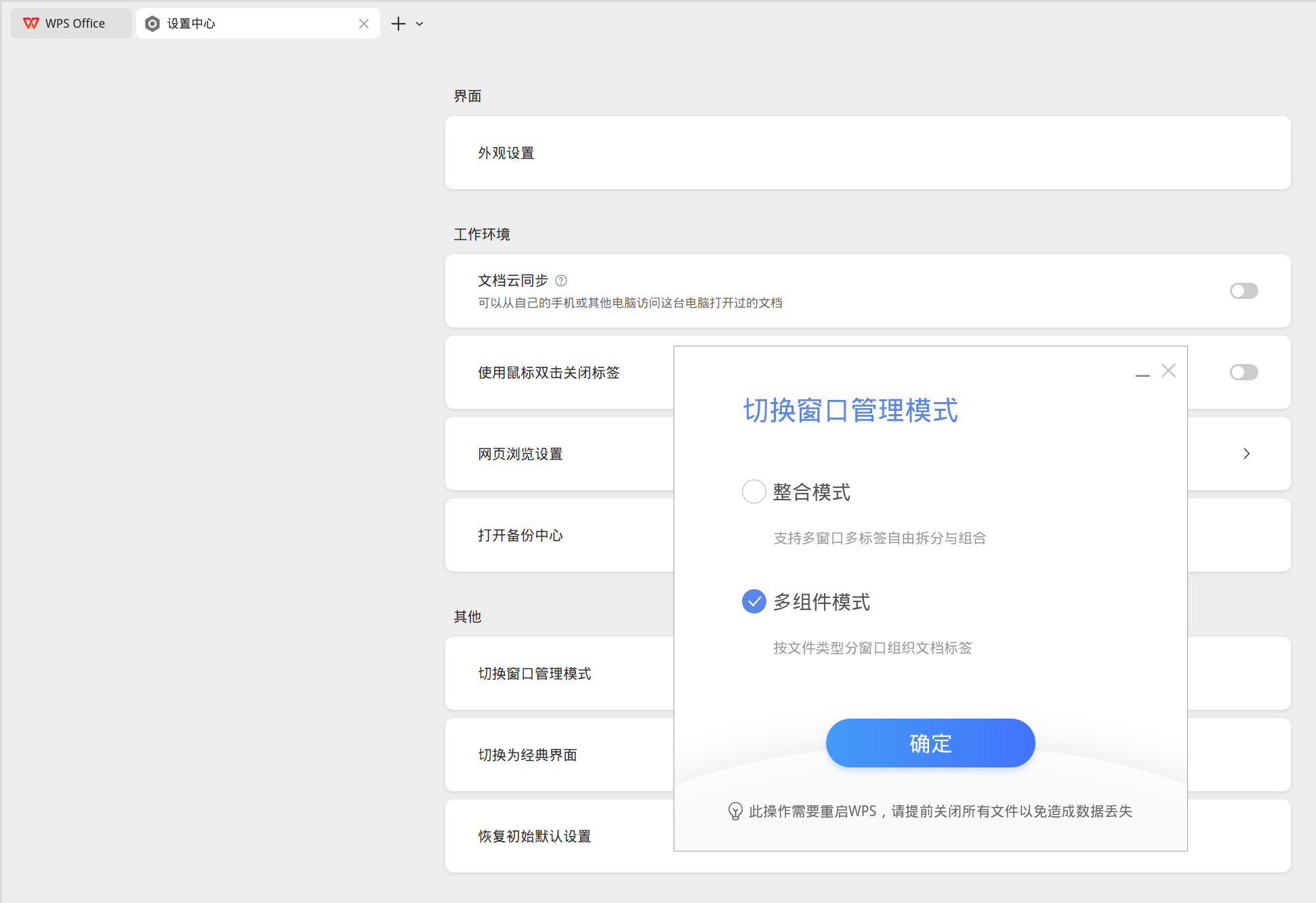
LibreOffice
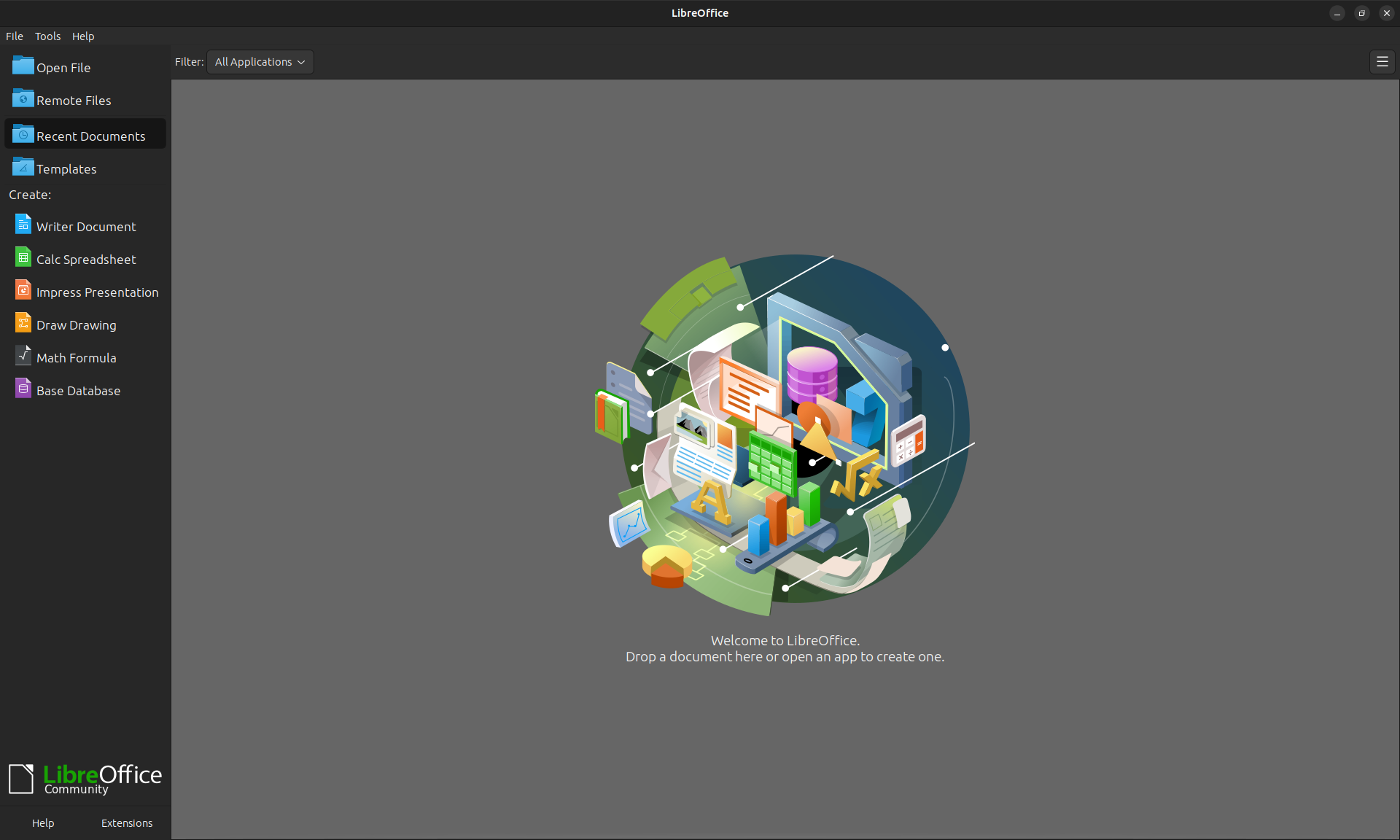
LibreOffice is a free and open-source office suite available on Microsoft Windows, GNU/Linux, and macOS. It includes Writer, Calc, Impress, Draw, Math, and Base for documents, spreadsheets, presentations, drawing, formulas, and database work.
sudo pacman -S libreoffice-still libreoffice-still-zh-cnOnlyOffice
A powerful online editor suite for text documents, spreadsheets, presentations, PDFs, and fillable forms. It is open-source, secure, cross-platform, and accessible.
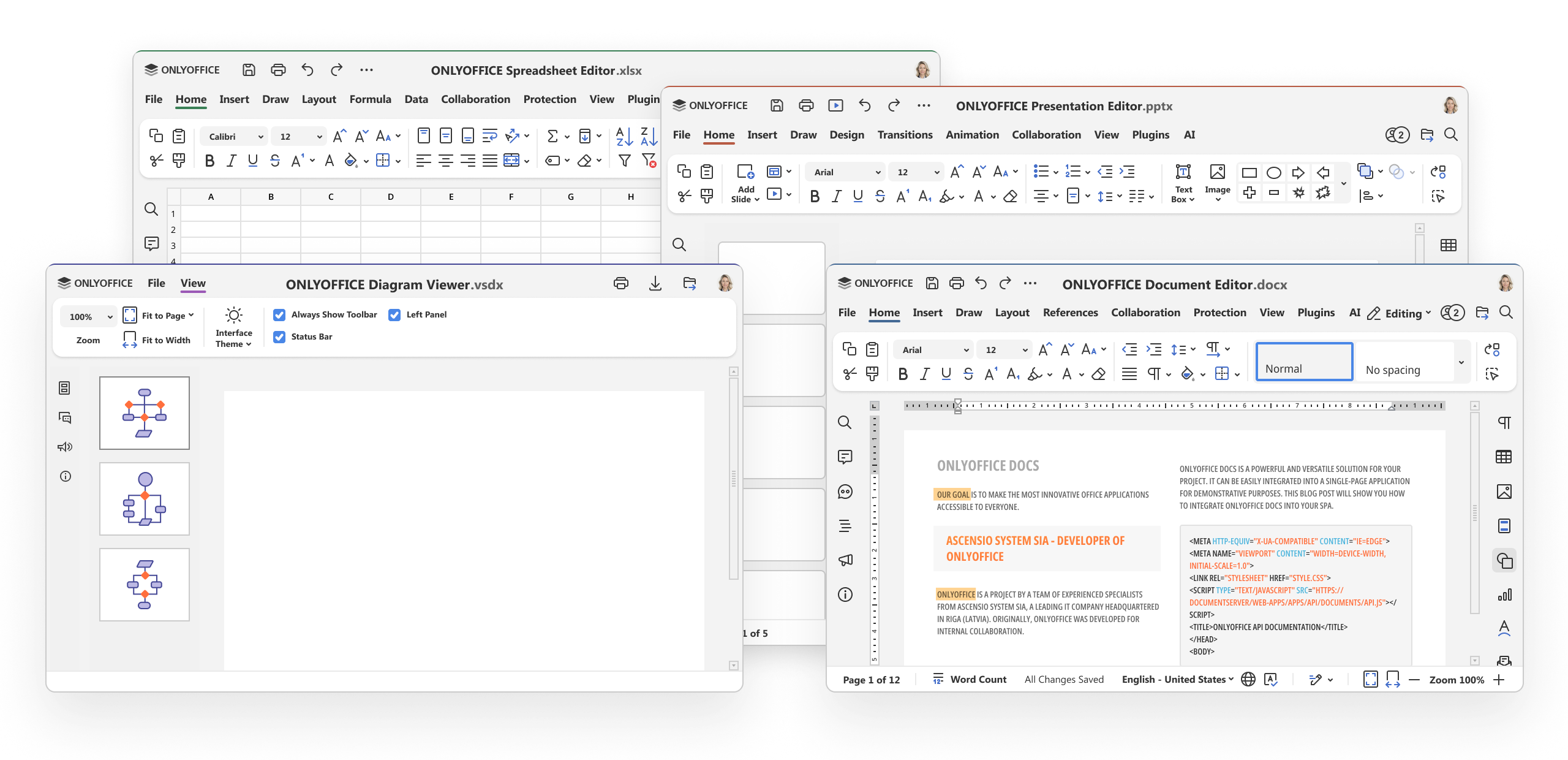
ONLYOFFICE desktop and mobile apps
paru -S onlyoffice-binThunderbird
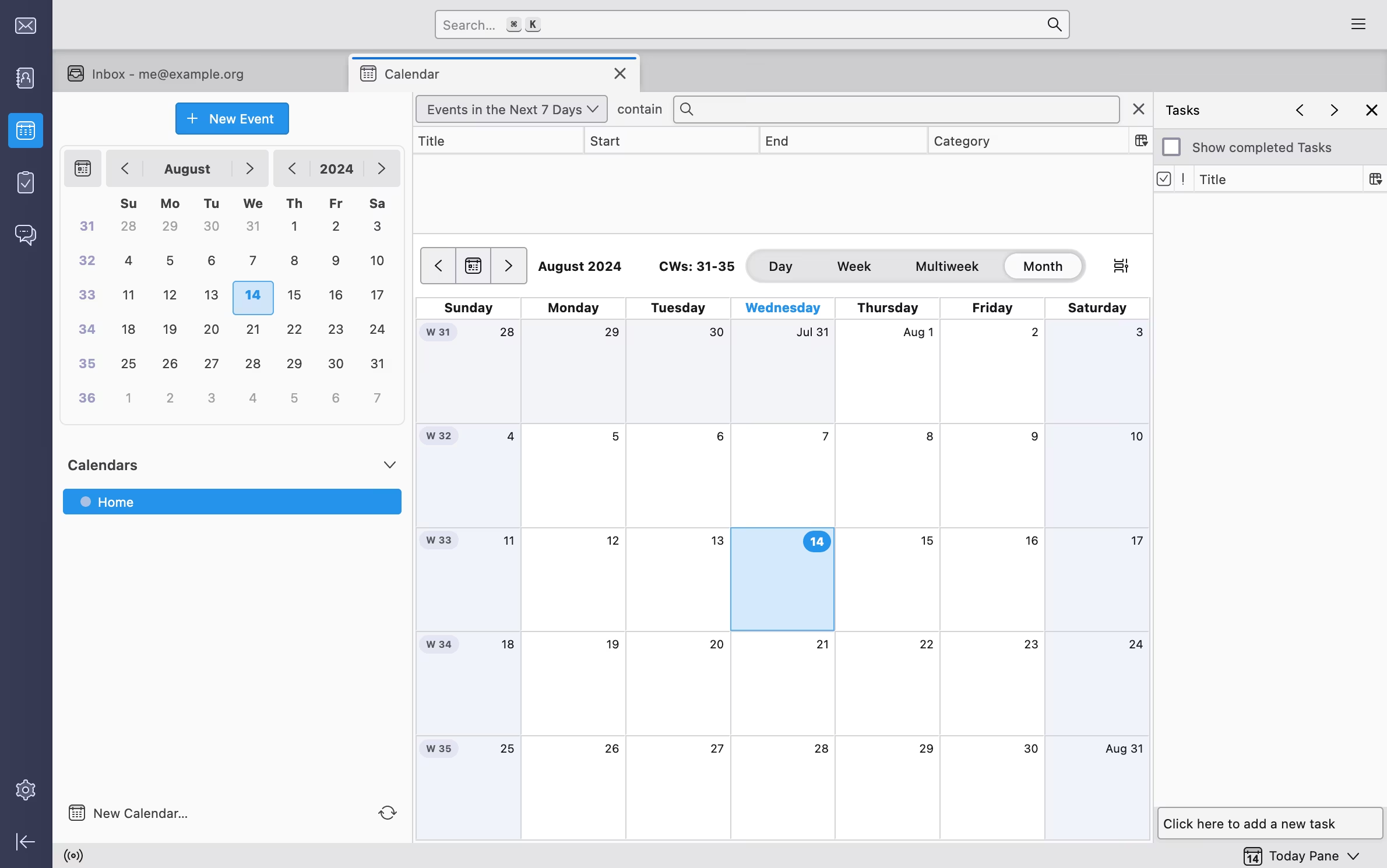
Thunderbird is a free and open-source email client with support for multiple accounts, calendars, contacts, and extensions.
sudo pacman -S thunderbirdTencent Meeting

Download Center - Tencent Meeting
paru -S wemeet-binelectron-netease-cloud-music
A third-party NetEase Cloud Music client bundled with UnblockNeteaseMusic.

paru -S electron-netease-cloud-music-binSPlayer
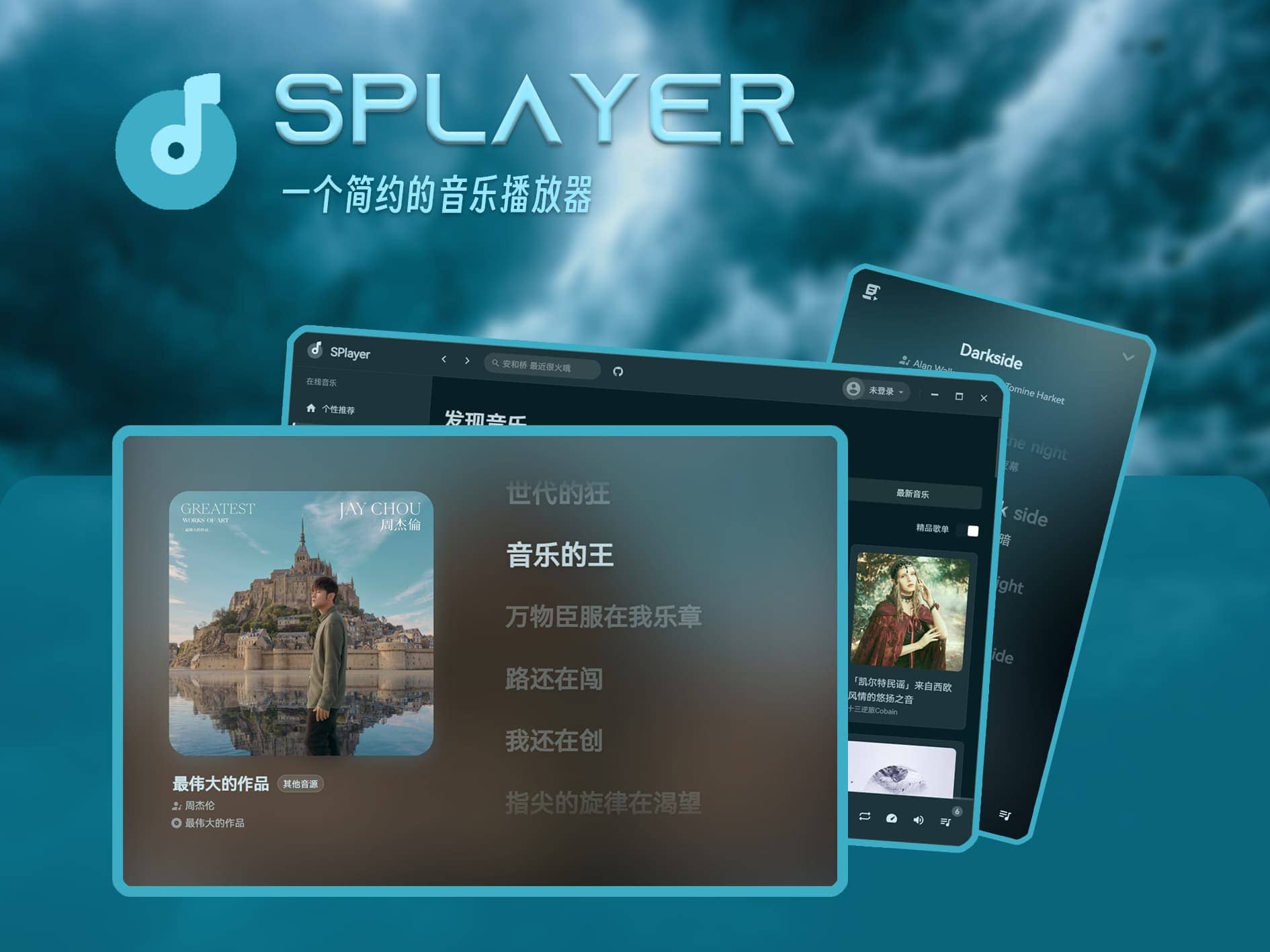
A minimalist music player that supports word-by-word lyrics, NetEase Cloud Music cloud storage and local library management, streaming from Jellyfin, Navidrome, and Emby, audio spectrum display, and mobile adaptation.
paru -S splayerSPlayer Next
The next-generation version of SPlayer, a cross-platform desktop music player with rich lyric support and wide audio format compatibility. It supports word-by-word lyrics, desktop and taskbar lyrics, streaming from Subsonic, Navidrome, Jellyfin, and Emby, and audio spectrum display.
Releases · SPlayer-Dev/SPlayer-Next
paru -S splayer-next-binYesPlayMusic
A visually polished third-party NetEase Cloud Music player.
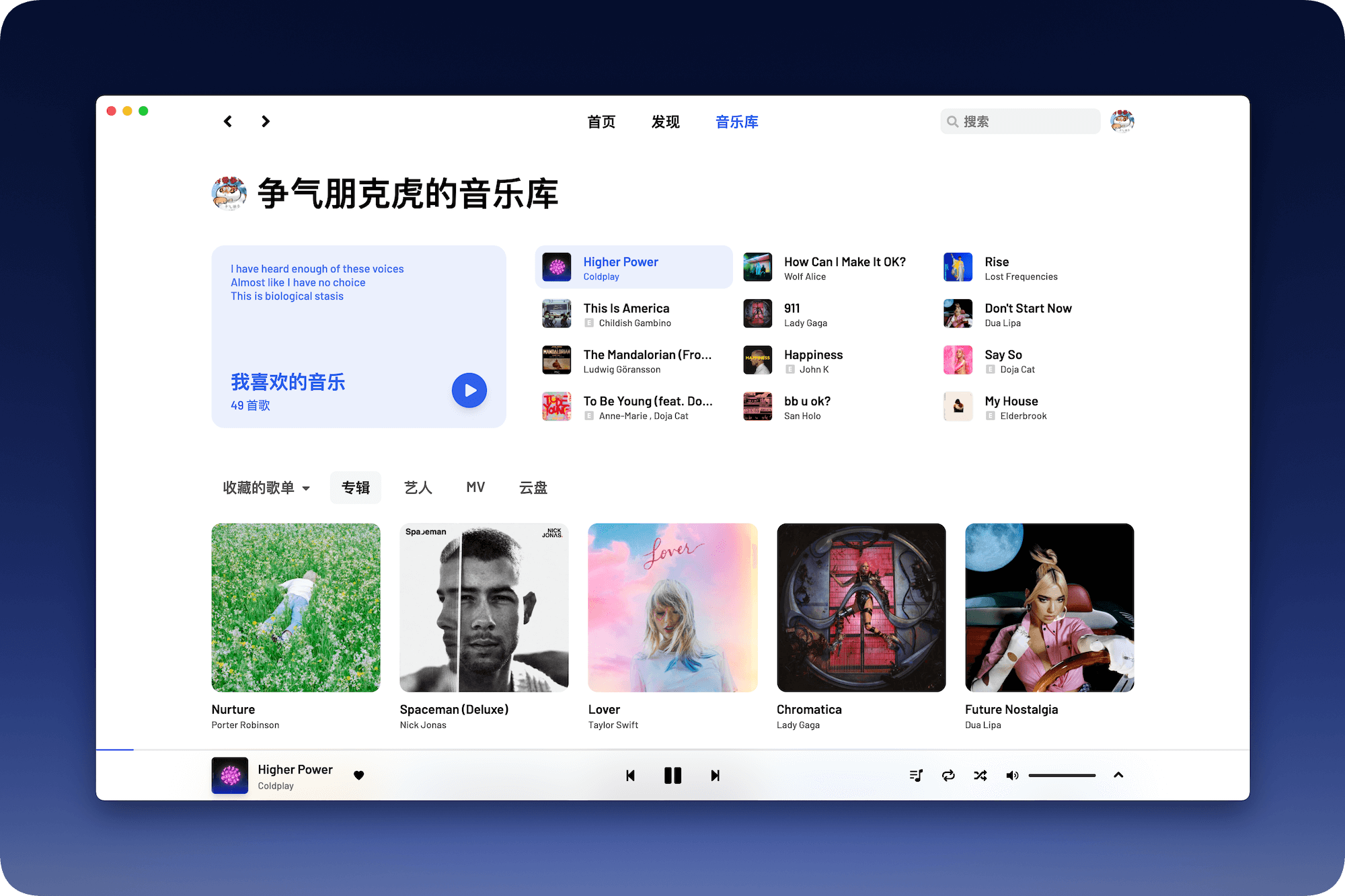
Releases · qier222/YesPlayMusic
paru -S yesplaymusicVutronMusic
A polished third-party NetEase Cloud Music client. It also supports Navidrome, Jellyfin, and Emby; local playback, offline playlists, word-by-word lyrics, desktop lyrics, Touch Bar lyrics, macOS menu bar lyrics, and lyrics in GNOME and KDE panels on Linux. It also supports pitch shift, playback speed changes, and custom themes.
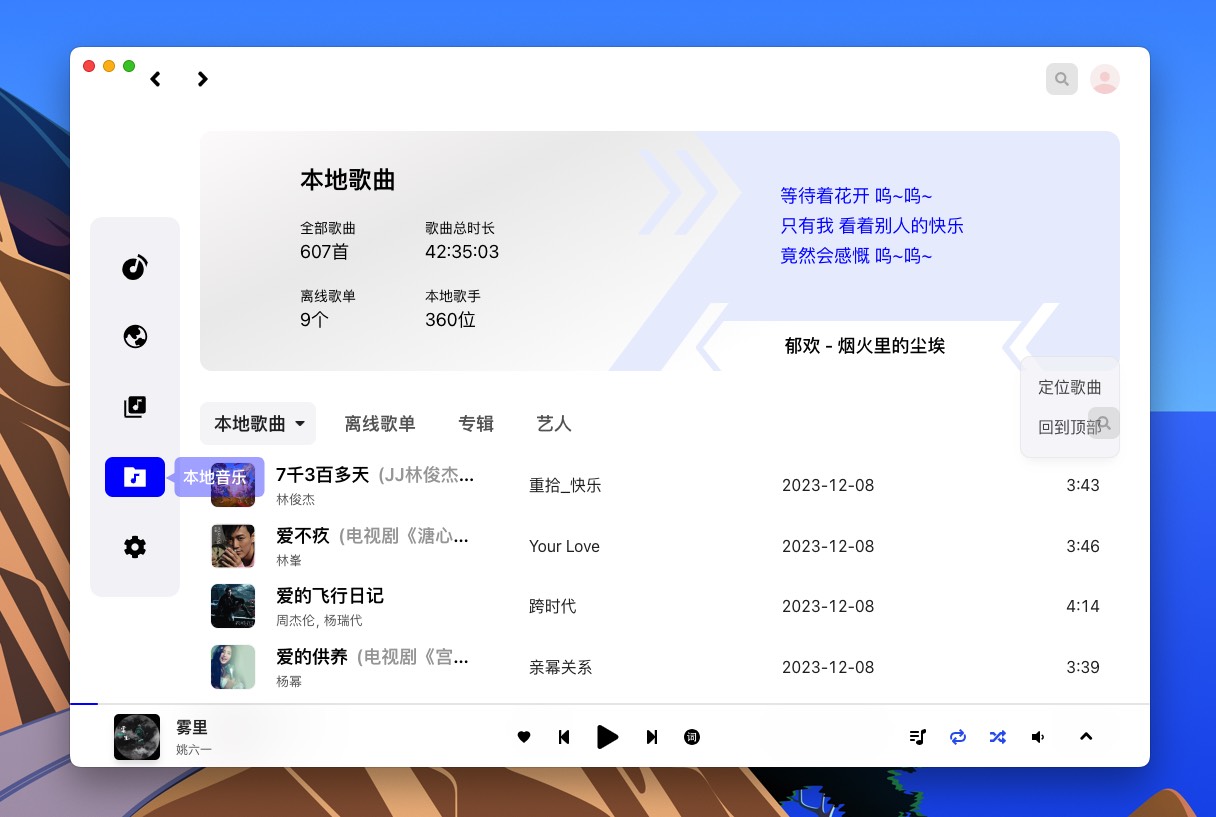
Releases · stark81/VutronMusic
paru -S vutronmusic-bingo-musicfox
go-musicfox is another NetEase Cloud Music command-line client written in Go. It supports multiple audio quality levels, UnblockNeteaseMusic, Last.fm, MPRIS, and macOS integration features such as pause-on-sleep, Bluetooth disconnect handling, and menu bar controls.
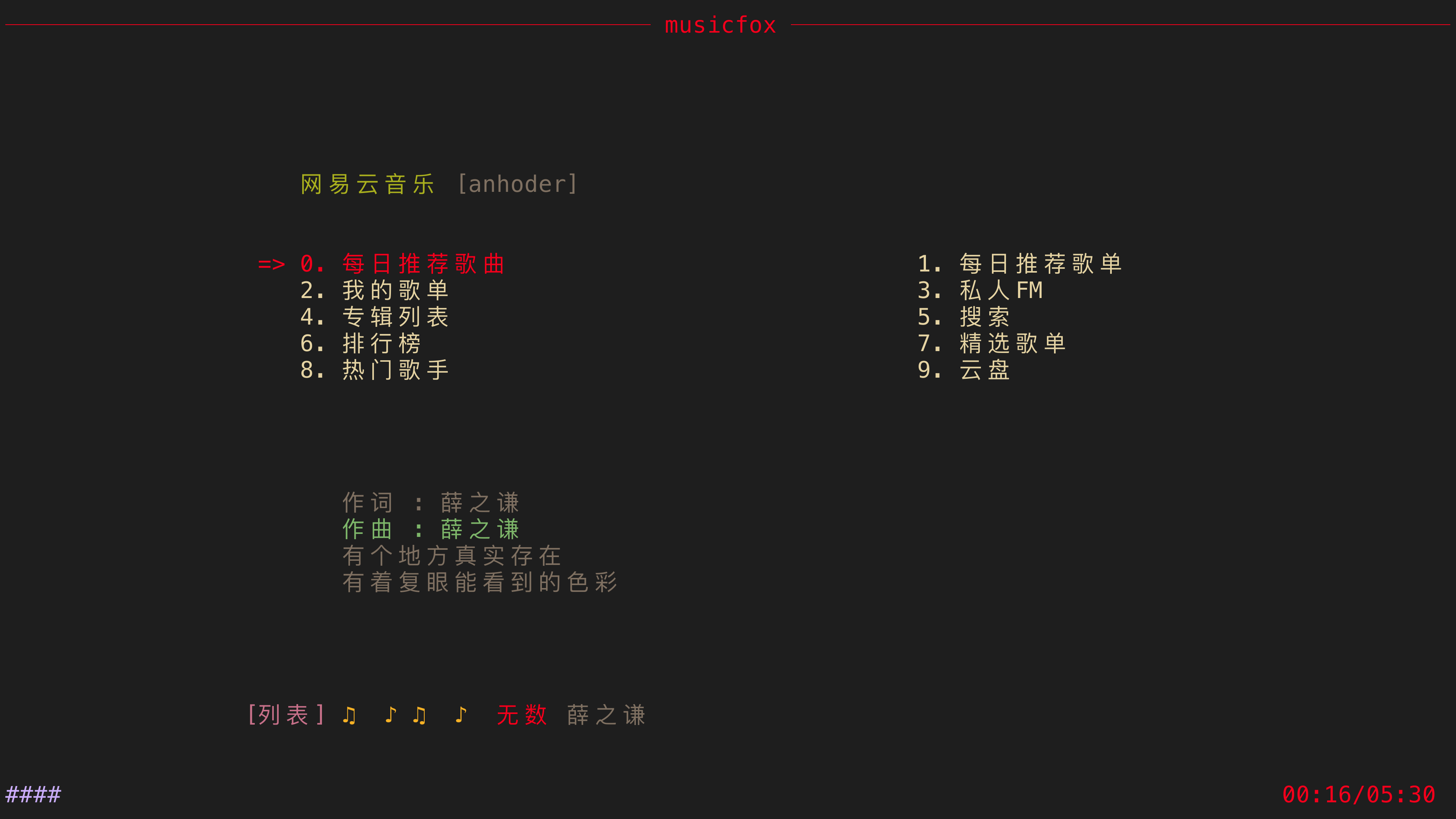
Installation - go-musicfox/go-musicfox
# install the prebuilt binary
paru -S go-musicfox-bin
# or build from source
paru -S go-musicfox
MoeKoeMusic: Third-Party Kugou Client
An open-source third-party Kugou client with a clean and polished interface.
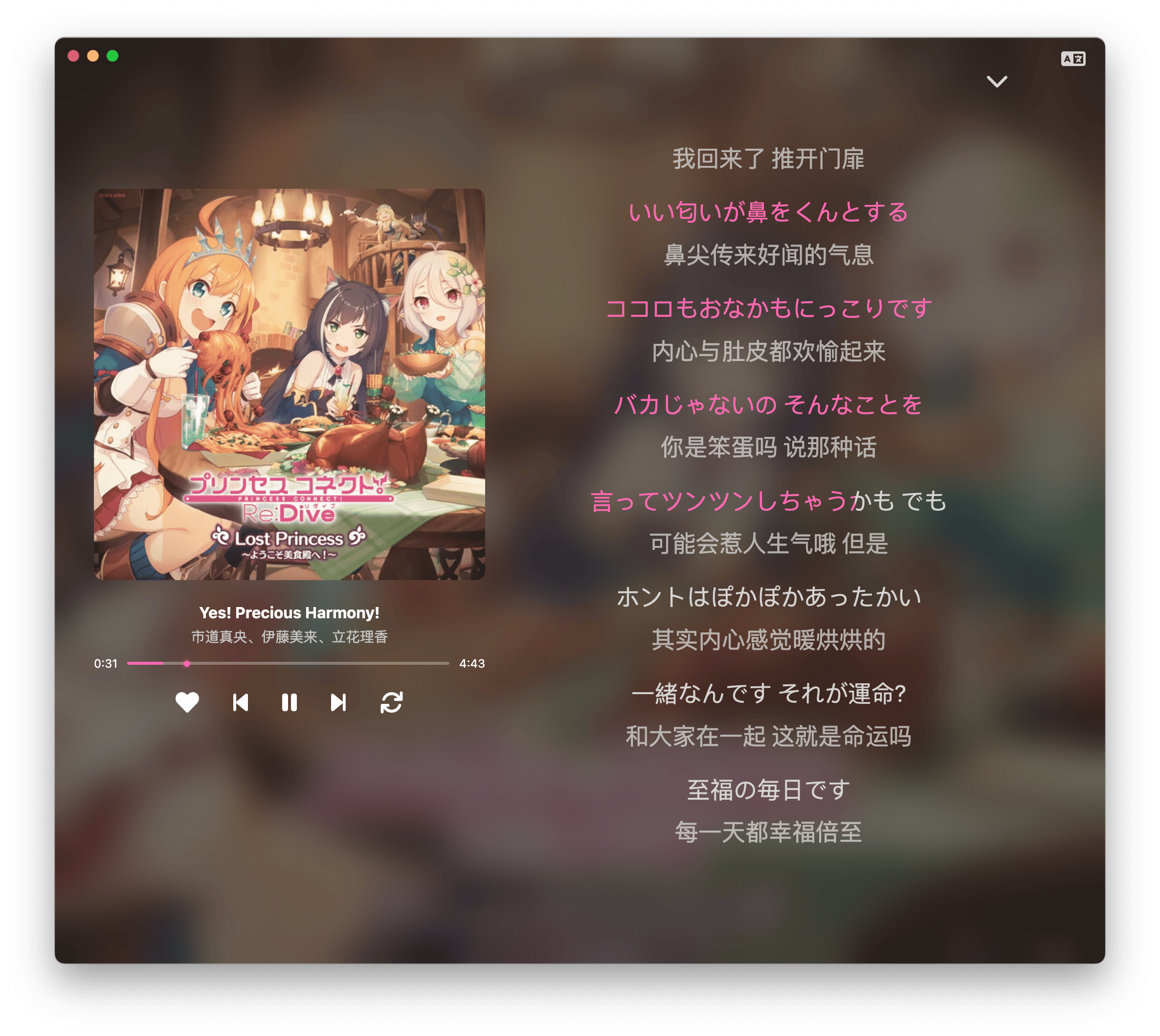
Releases · MoeKoeMusic/MoeKoeMusic
paru -S moekoemusic-binLX Music
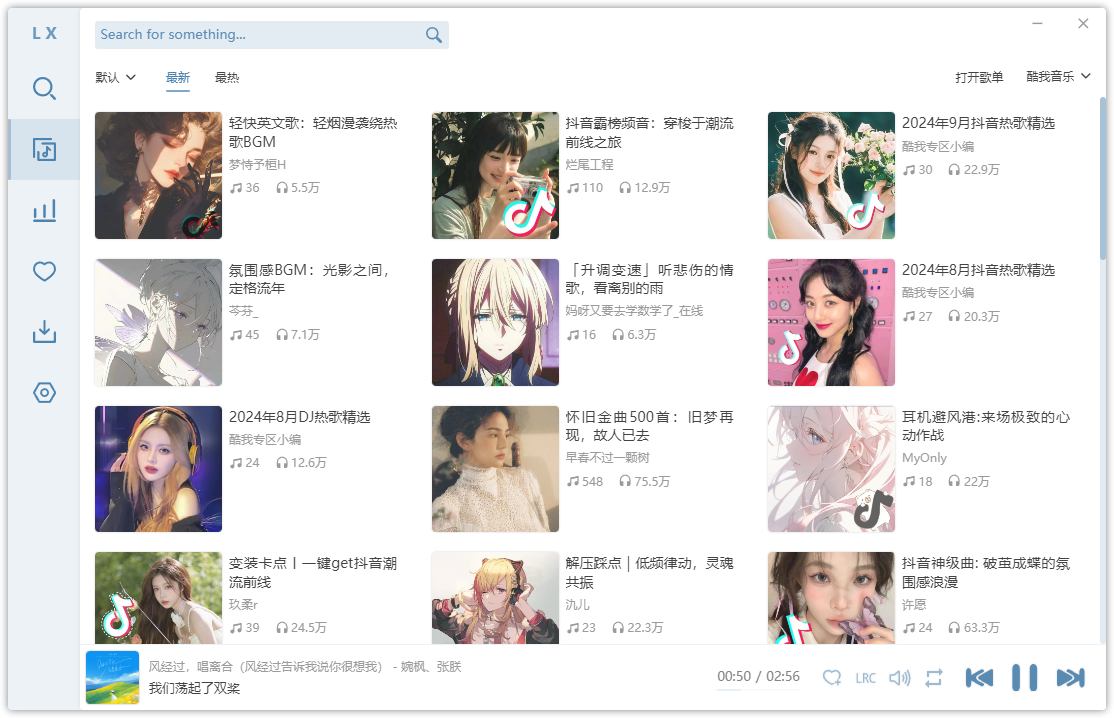
paru -S lx-music-desktop-binCustom source: go to Settings -> Custom Source -> Custom Source Management, use Import Online, then close the import window and enable the imported source under Custom Source.
Bilibili Client
A Linux port of the official Bilibili client, with roaming support.
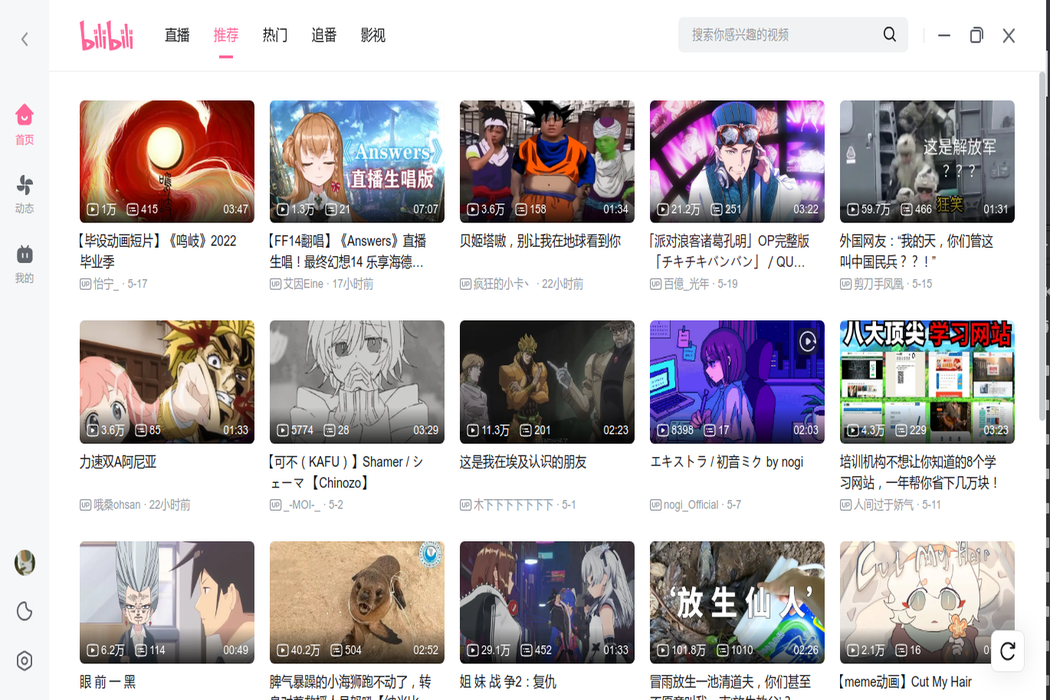
msojocs/bilibili-linux - GitHub
First check which Electron version is required on AUR - bilibili-bin.
paru -S electron43
paru -S bilibili-bin
PiliPlus
A third-party BiliBili client built with Flutter.
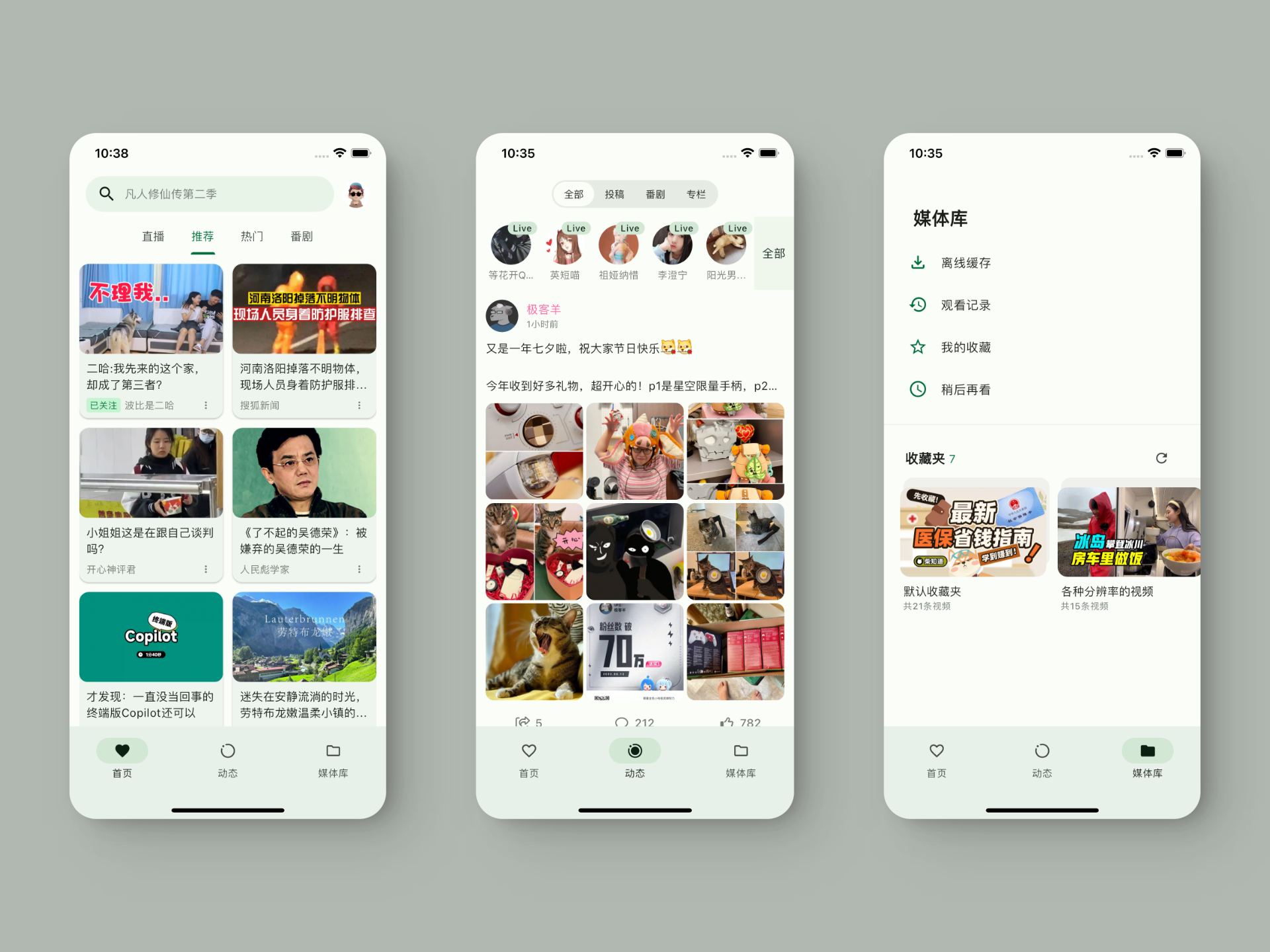
bggRGjQaUbCoE/PiliPlus - GitHub
paru -S piliplus-binBaidu Netdisk
paru -S baidunetdisk-binNutstore
Nutstore Free Personal Network Disk
paru -S nutstoreIf the Nutstore window is cut off after launch, temporarily disable the built-in web UI and restart it:
sudo sed -i 's/^webui.enable=true$/webui.enable=false/' /opt/nutstore/conf/nutstore.properties
pkill -f nutstore || true
nutstore