AI 类
AI Agent 教程:Codex、Skills For Real Engineers、Superpowers、Lark CLI、Spec Kit、Trellis、gitnexus、Open Code Review、Headroom、rtk、Ponytail、ccusage、提示词技巧。
Cherry Studio:大语言模型客户端
Cherry Studio 是一款支持多个大语言模型(LLM)服务商的桌面客户端。
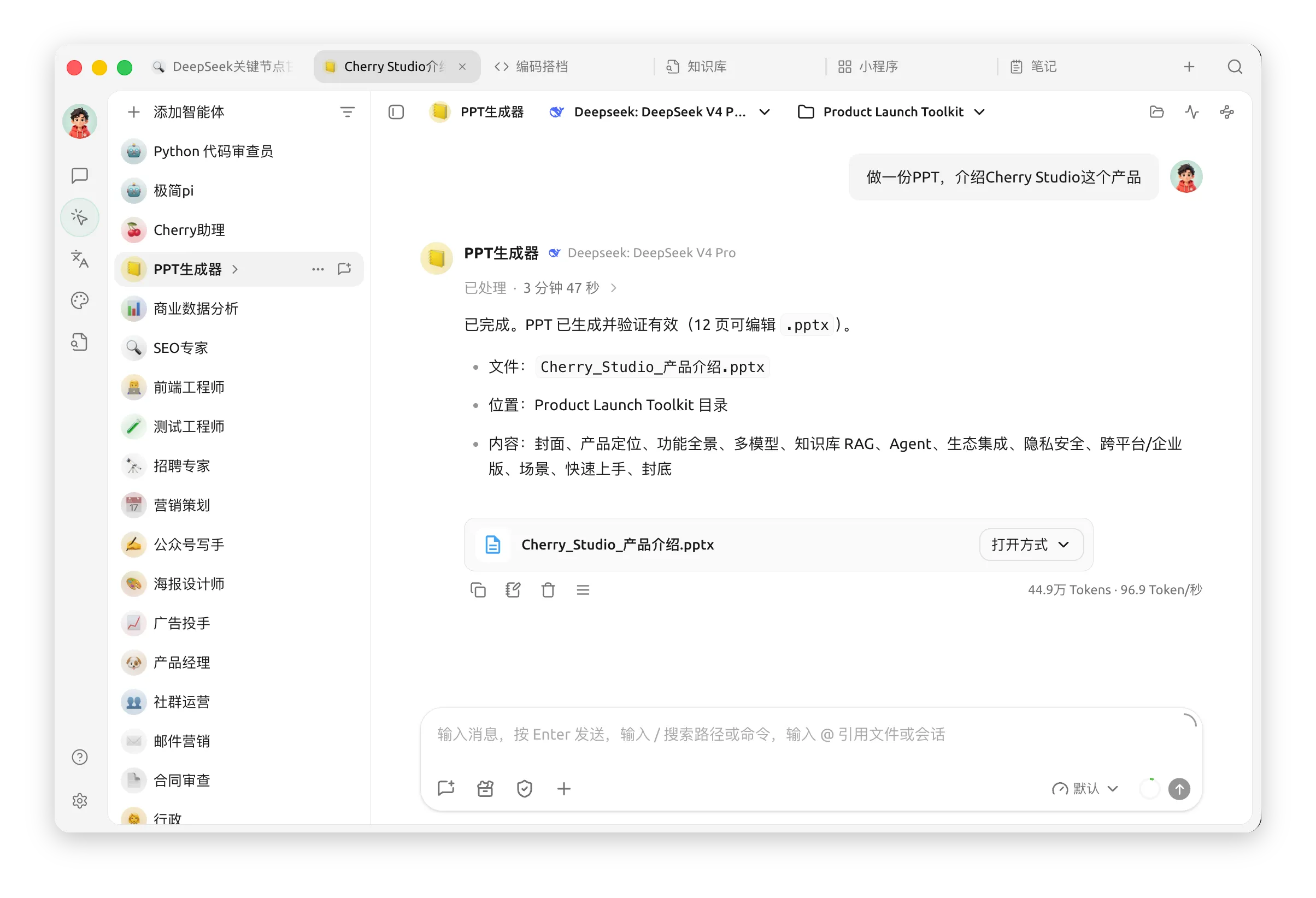
paru -S cherry-studio-binChatbox
Chatbox AI 是一款 AI 客户端应用和智能助手,支持众多先进的 AI 模型和 API,可在 Windows、MacOS、Android、iOS、Linux 和网页版上使用。
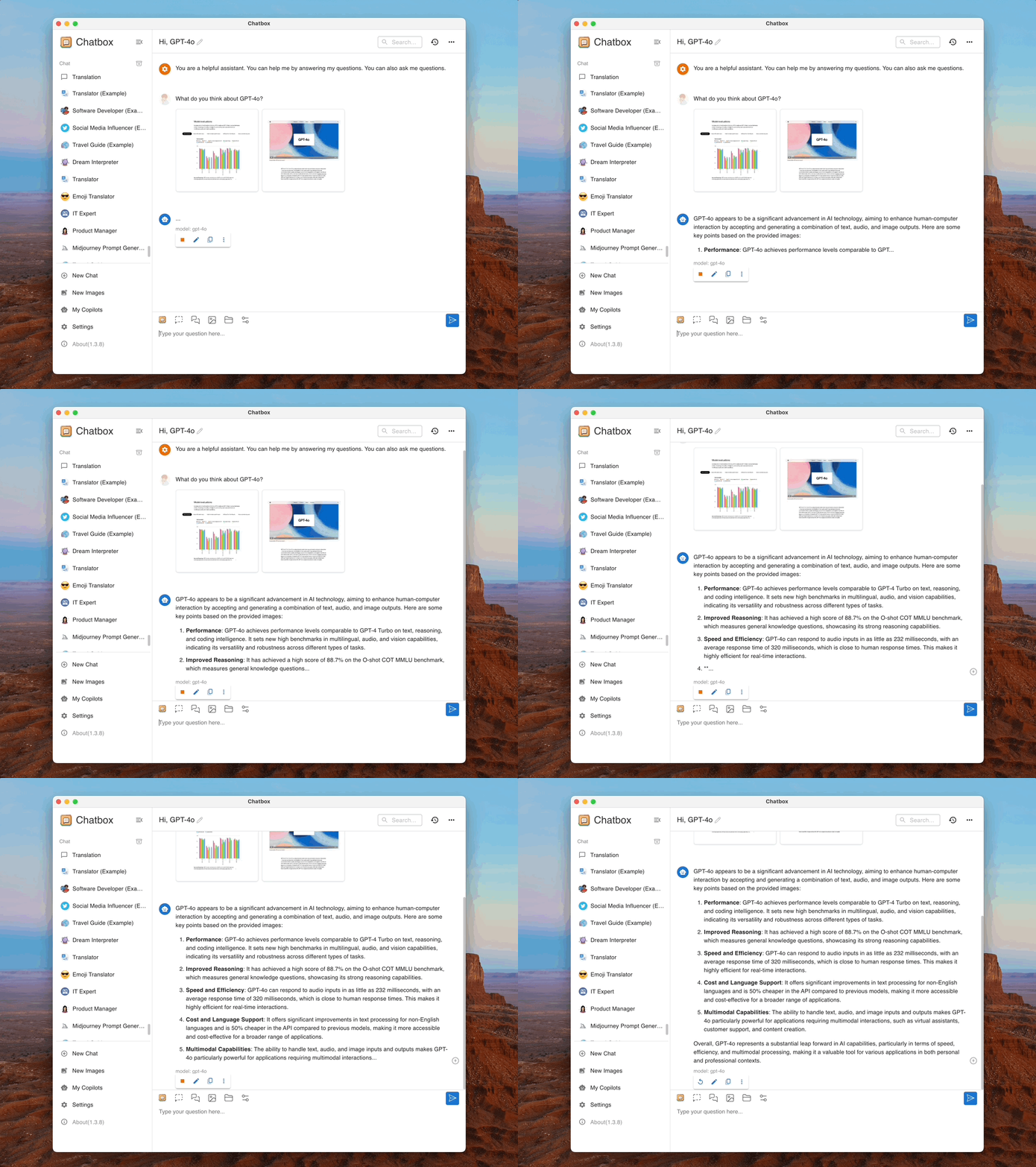
Chatbox AI官网:办公学习的AI好助手,全平台AI客户端,官方免费下载
paru -S chatbox-binCC Switch
CC Switch 为你提供一个桌面应用来管理所有五个 CLI 工具。无需手动编辑配置文件,你将获得一个可视化界面,一键将供应商导入应用,一键在不同的供应商之间进行切换,内置 50+ 供应商预设、统一的 MCP, SKILLS 管理以及系统托盘即时切换功能——所有操作都基于可靠的 SQLite 数据库和原子写入机制,保护你的配置不被损坏。
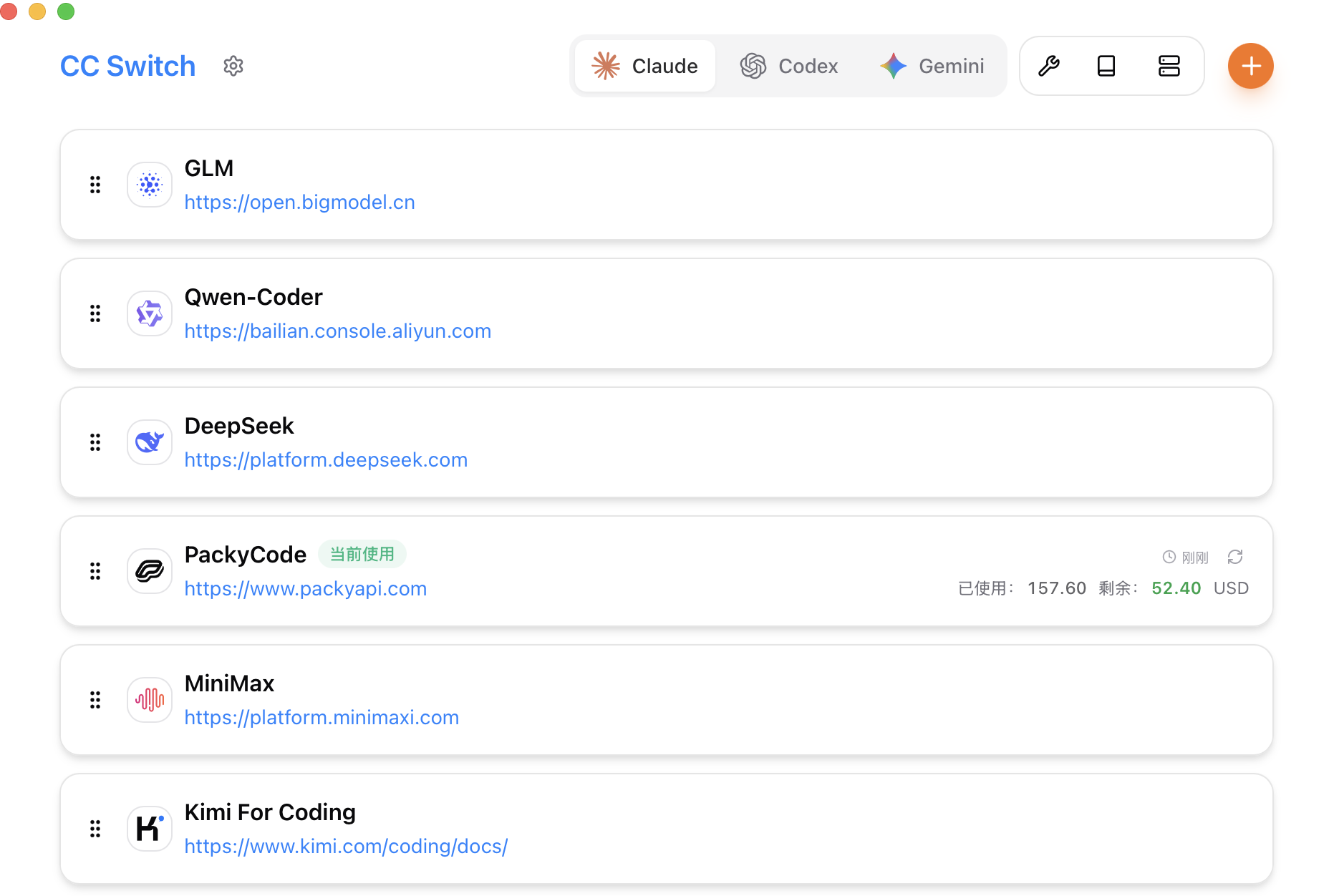
Releases · farion1231/cc-switch
paru -S cc-switch-bin打开后,在特定 CLI 下添加供应商,输入 API 地址、Key,添加模型后切换供应商,除 Claude Code 外,其他对应的 CLI 工具要重启以应用更改。
添加供应商时,如果要调整 OpenAI 模型的推理强度(可选 off|minimal|low|medium|high|xhigh),修改配置 JSON:
{
  "models": {
    "gpt-5.4": {
      "name": "GPT-5.4",
      "options": {
        "reasoning": {
          "effort": "xhigh"
        }
      }
    },
    "gpt-5.3-codex": {
      "name": "GPT-5.3 Codex",
      "options": {
        "reasoning": {
          "effort": "xhigh"
        }
      }
    }
  },
  "npm": "@ai-sdk/openai-compatible",
  "options": {
    "apiKey": "sk-xxx",
    "baseURL": "https://example.com/v1"
  }
}
OpenCode
OpenCode 是一个开源的 AI 编码代理。它提供终端界面、桌面应用和 IDE 扩展等多种使用方式。
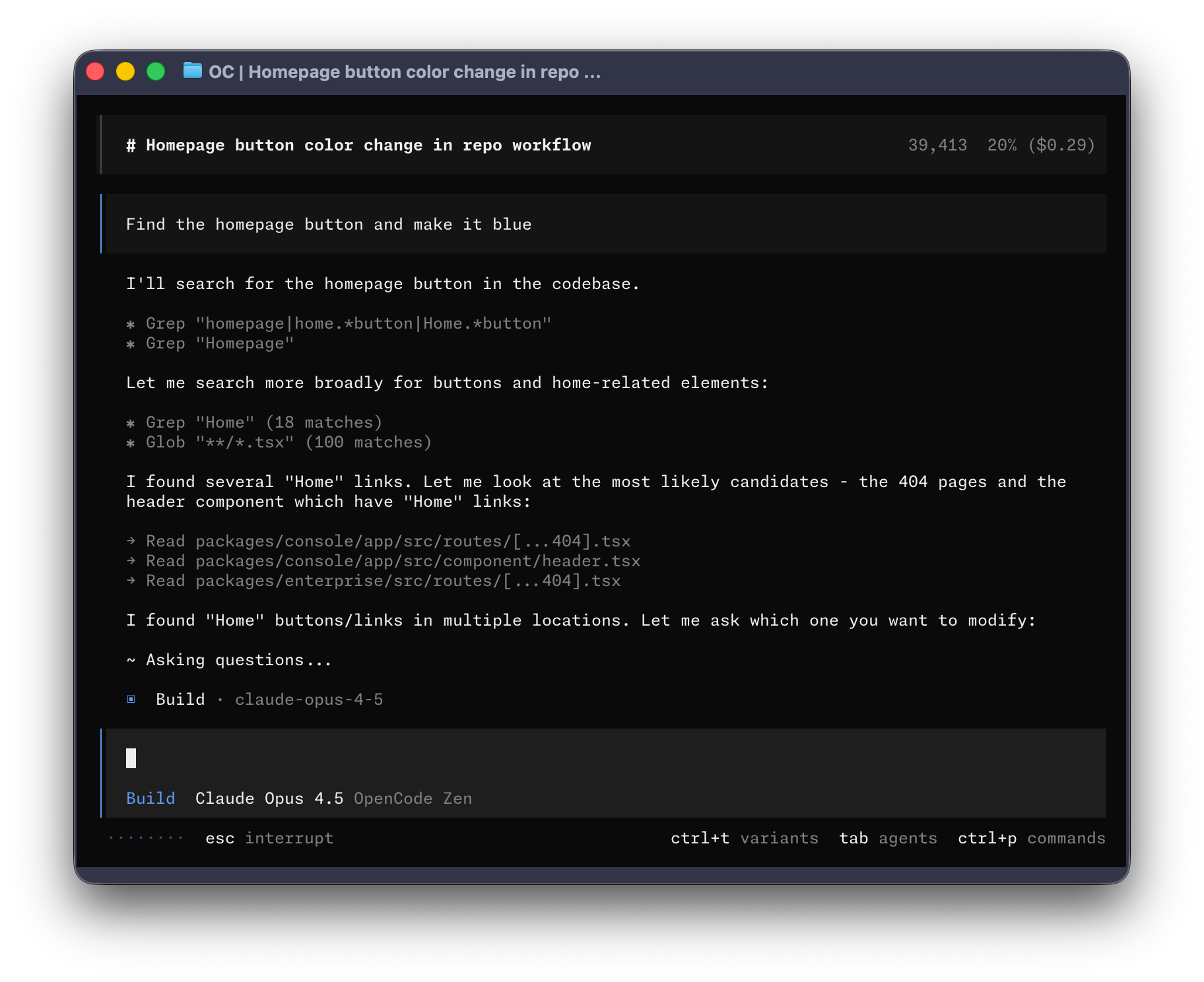
# 脚本安装
curl -fsSL https://opencode.ai/install | bash
# Node 方式安装
npm i -g opencode-ai
# AUR 安装
paru -S opencode

# 创建配置目录
mkdir -p ~/.config/opencode

# 启用 LSP
echo 'export OPENCODE_EXPERIMENTAL_LSP_TOOL=true' >> ~/.zshrc
echo 'export OPENCODE_ENABLE_EXA=1' >> ~/.zshrc
source ~/.zshrc
配置第三方 API,nano ~/.config/opencode/opencode.json修改配置文件:
{
  "$schema": "https://opencode.ai/config.json",
  "provider": {
    "openai": {
      "options": {
        "baseURL": "https://example.com/v1",
        "apiKey": "sk-xxx"
      },
      "models": {
        "gpt-5.4": {
          "name": "GPT-5.4",
          "limit": {
            "context": 1050000,
            "output": 128000
          },
          "options": {
            "store": false,
            "reasoningEffort": "medium",
            "textVerbosity": "low",
            "reasoningSummary": "auto"
          },
          "variants": {
            "low": {
              "reasoningEffort": "low",
              "textVerbosity": "low"
            },
            "medium": {
              "reasoningEffort": "medium",
              "textVerbosity": "low"
            },
            "high": {
              "reasoningEffort": "high",
              "textVerbosity": "low"
            },
            "xhigh": {
              "reasoningEffort": "xhigh",
              "textVerbosity": "low"
            }
          }
        },
        "gpt-5.3-codex": {
          "name": "GPT-5.3 Codex",
          "limit": {
            "context": 400000,
            "output": 128000
          },
          "options": {
            "store": false,
            "reasoningEffort": "medium",
            "textVerbosity": "low",
            "reasoningSummary": "auto"
          },
          "variants": {
            "low": {
              "reasoningEffort": "low",
              "textVerbosity": "low"
            },
            "medium": {
              "reasoningEffort": "medium",
              "textVerbosity": "low"
            },
            "high": {
              "reasoningEffort": "high",
              "textVerbosity": "low"
            },
            "xhigh": {
              "reasoningEffort": "xhigh",
              "textVerbosity": "low"
            }
          }
        }
      }
    }
  },
  "model": "openai/gpt-5.4",
  "small_model": "openai/gpt-5.3-codex",
  "permission": {
    "*": "allow",
    "external_directory": {
      "*": "ask"
    },
    "doom_loop": "ask",
    "bash": {
      "*": "allow",
      "git push*": "ask",
      "git commit*": "ask",
      "rm*": "ask",
      "sudo*": "ask"
    },
    "edit": {
      "*": "allow"
    }
  },
  "agent": {
    "build": {
      "options": {
        "store": false
      }
    },
    "plan": {
      "options": {
        "store": false
      }
    }
  }
}# 新开终端
$ opencode
# 选择模型
> /modelsOpenCode Desktop
paru -S opencode-desktop-binClaude Code
直接在您的代码库中与 Claude 协作。您可以在终端、IDE、Slack 或网页端进行构建、调试和发布。只需说明您的需求,剩下的就交给 Claude 来处理。
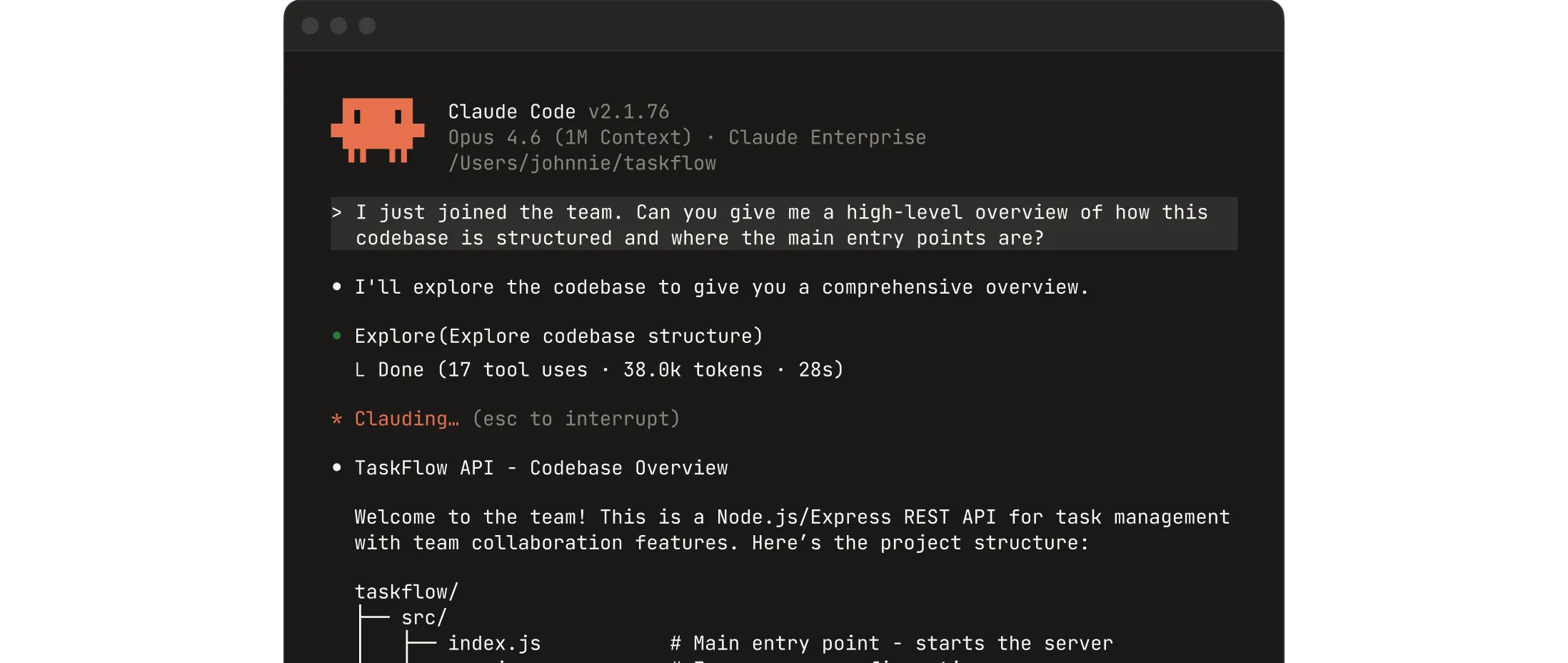
Download Claude | Claude by Anthropic
# 脚本安装
curl -fsSL https://claude.ai/install.sh | bash
# Node 方式安装
npm i -g @anthropic-ai/claude-code
# AUR 安装
paru -S claude-code
配置第三方 API:
# 新开终端

# 临时设置第三方 API 地址和 Key
$ export ANTHROPIC_BASE_URL="https://example.com/v1"
$ export ANTHROPIC_AUTH_TOKEN="sk-xxx"

# 永久设置第三方 API 地址和 Key
$ echo 'export ANTHROPIC_BASE_URL="https://example.com/v1"' >> ~/.zshrc
$ echo 'export ANTHROPIC_AUTH_TOKEN="sk-xxx"' >> ~/.zshrc
$ source ~/.zshrc

$ claude

Security guide

❯ 1. Yes, I trust this folder
  2. No, exit
Claude Desktop
Chat、Claude Cowork 和 Claude Code,都集中在一个地方。
Download Claude | Claude by Anthropic
paru -S claude-desktopCodex CLI
Codex CLI 是 OpenAI 推出的一款编程助手。
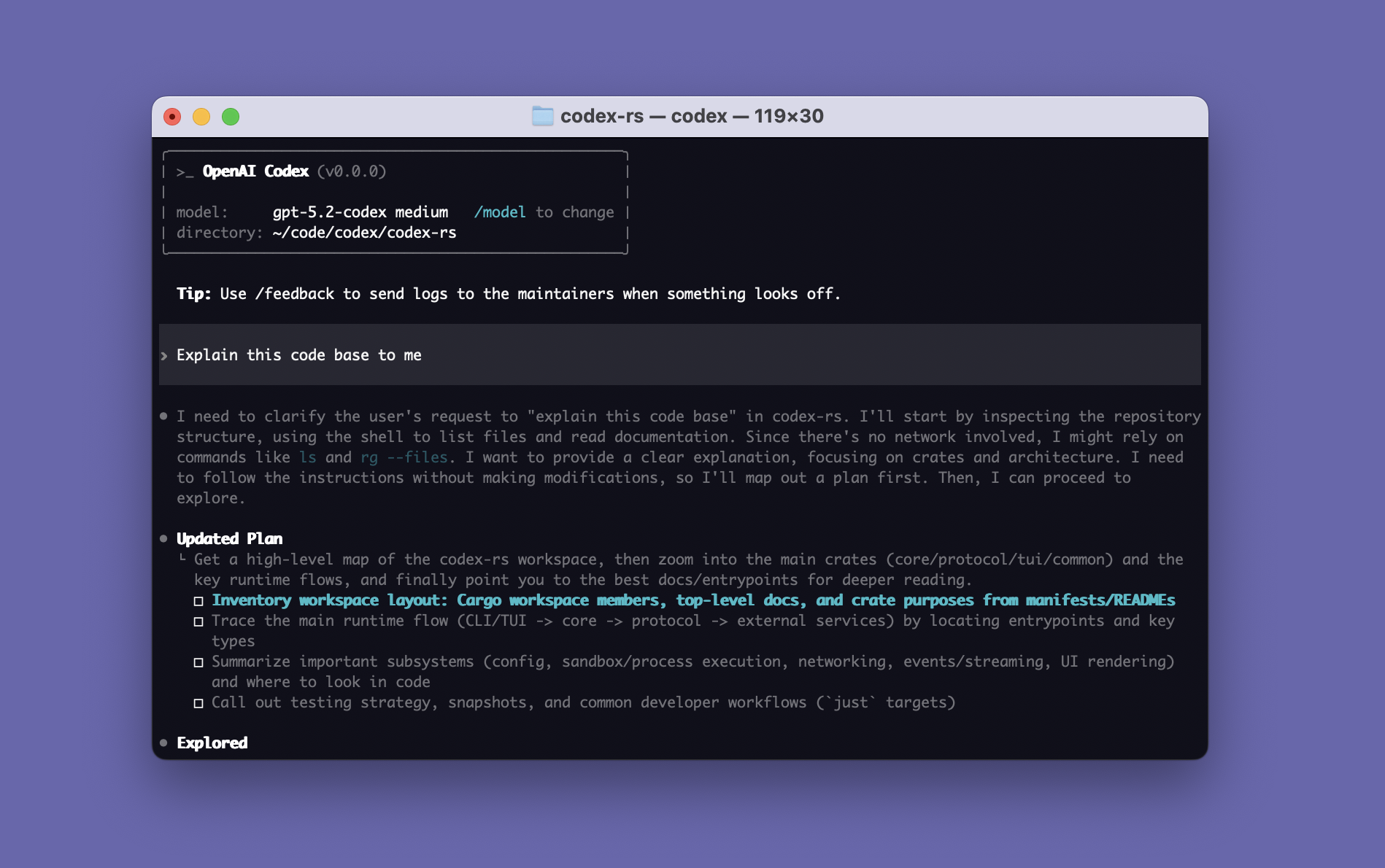
CLI – Codex | OpenAI Developers
$ npm i -g @openai/codex配置第三方 API:
$ mkdir -p ~/.codex

# 配置第三方 Key
$ nano ~/.codex/auth.json

{
  "OPENAI_API_KEY": "sk-xxx"
}

# 配置第三方 API 地址等
$ nano ~/.codex/config.toml

model_provider = "OpenAI"
model = "gpt-5.4"
review_model = "gpt-5.4"
model_reasoning_effort = "xhigh"
disable_response_storage = true
network_access = "enabled"
windows_wsl_setup_acknowledged = true
model_context_window = 1000000
model_auto_compact_token_limit = 900000

[model_providers.OpenAI]
name = "OpenAI"
base_url = "https://example.com/v1"
wire_api = "responses"
requires_openai_auth = true

# 运行
$ codex
Codex Desktop
Codex 应用是一个专注于并行处理 Codex 线程的桌面体验,内置工作树支持、自动化和 Git 功能。
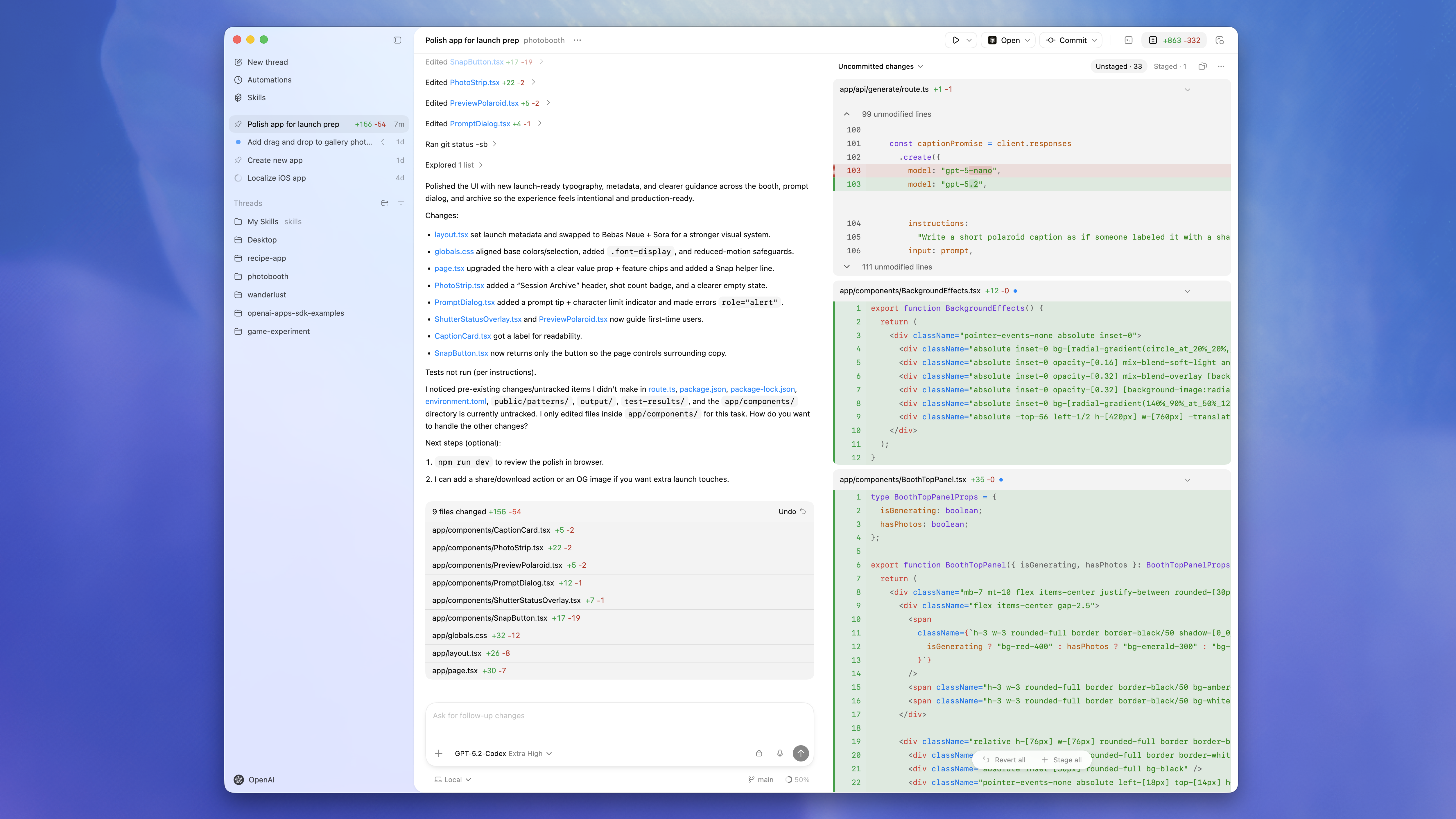
App - Codex | OpenAI Developers
# 必须时用 npm 安装的 Codex CLI
npm i -g @openai/codex
# 安装
paru -S chatgpt-desktop
ZCode Desktop
ZCode 将最强大的 AI Agents 与现有工具链结合,让你在熟悉的流程中完成规划、编码、评审与上线。
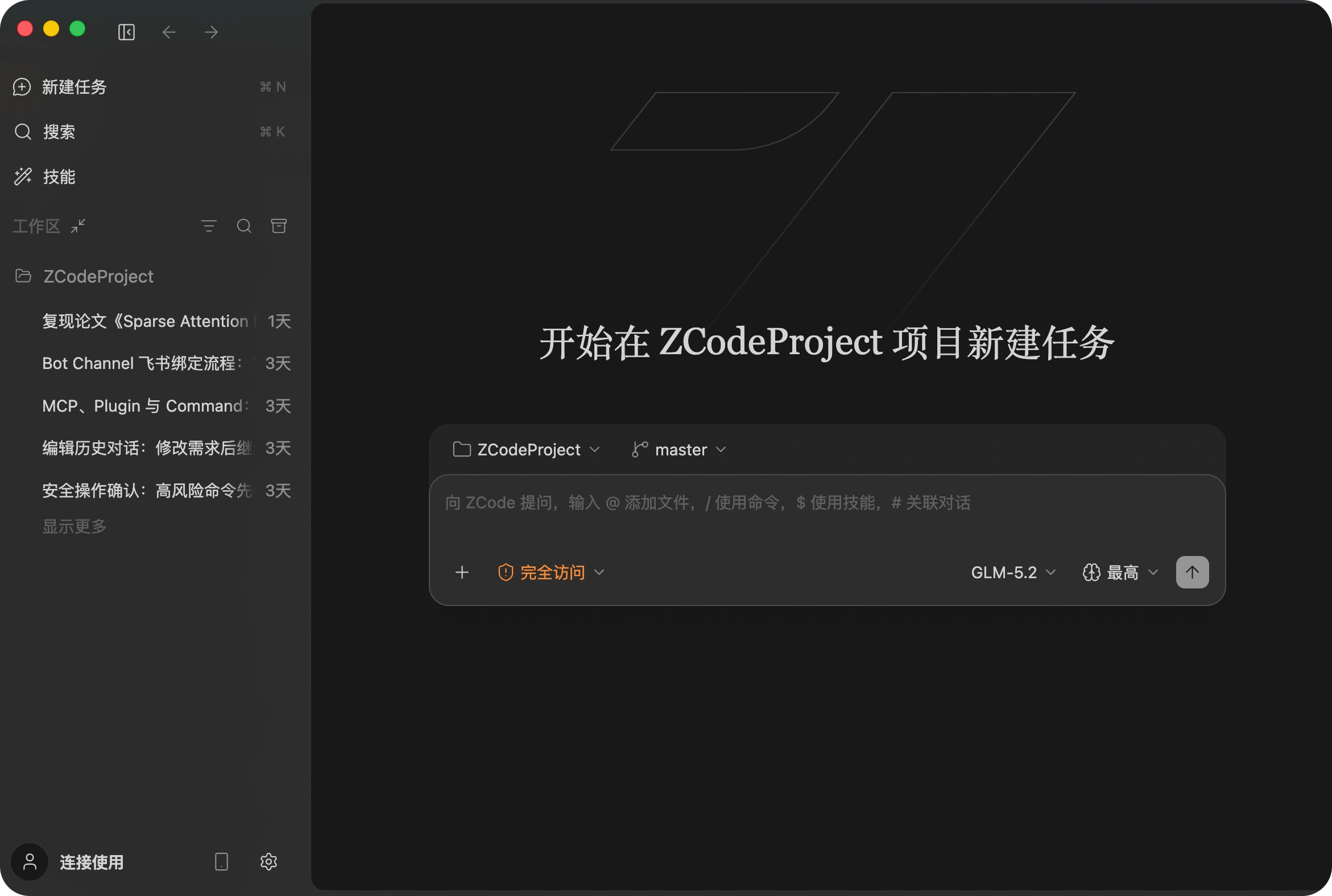
paru -S zcodeReasonix Desktop
DeepSeek 原生的终端编码 Agent。运行循环 append-only, 对齐 DeepSeek 字节稳定的 prefix-cache —— 长会话缓存命中 90%+,输入 token 成本降到 约 1/5。
Reasonix — DeepSeek 原生的终端编码 Agent
paru -S reasonix-desktop-binDesktop CC GUI
ccgui 目标群体是专业开发者,可以替代Curosr使用。专注于开发者体验,我们最终目标是打造一个100%开源透明的 下一代VibeCoding编辑器(支持Claude Code,Codex等引擎)
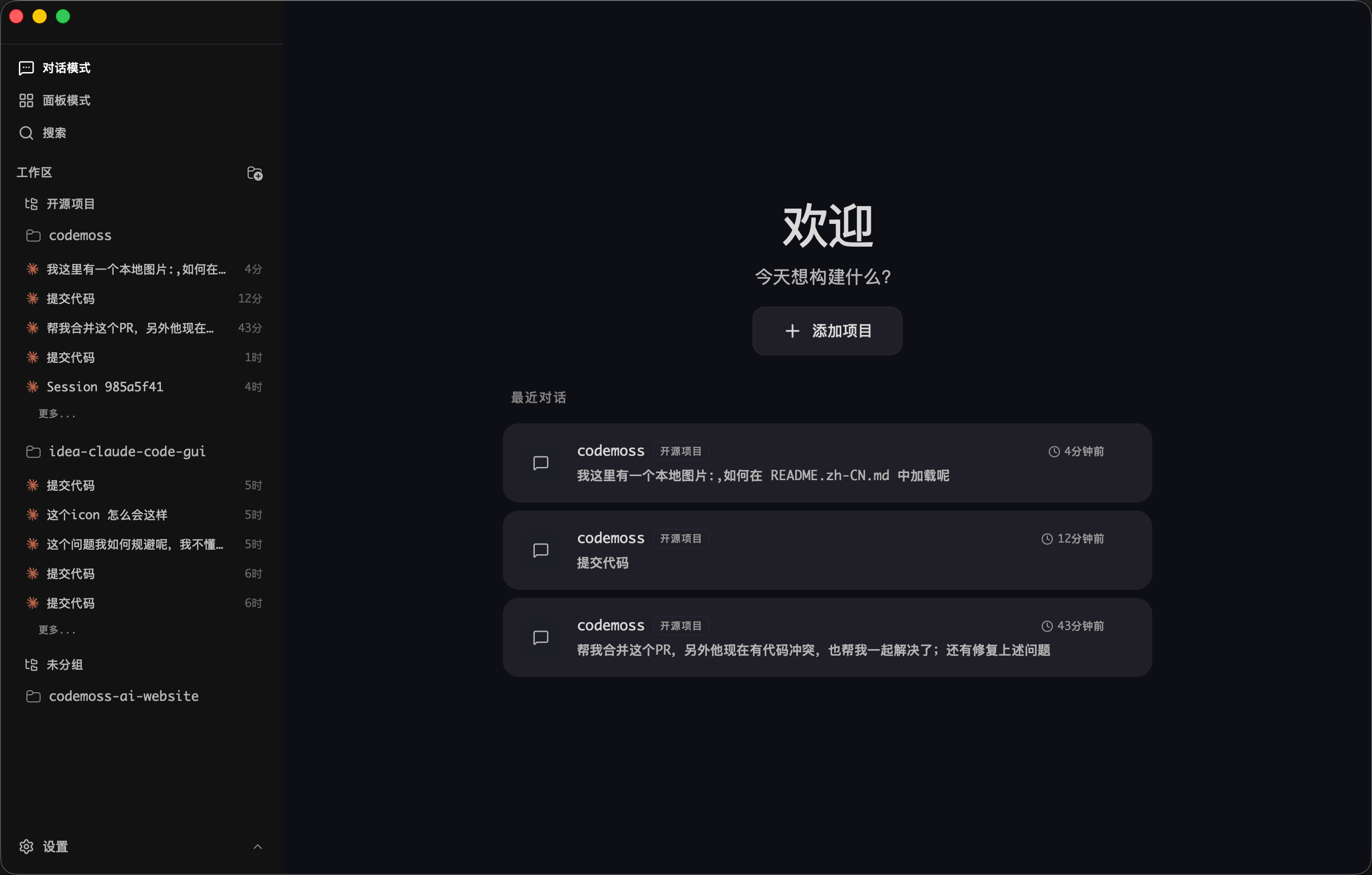
zhukunpenglinyutong/desktop-cc-gui
paru -S ccgui-binPaseo
一个界面即可管理所有 Claude Code、Codex 和 OpenCode 代理。
Paseo – Run Claude Code, Codex, and OpenCode from everywhere
paru -S paseo-desktop-bin解决安装报错:
==> 正在开始 prepare()...
zstd: /*stdin*\: xz/lzma file cannot be uncompressed (zstd compiled without HAVE_LZMA) -- ignored
tar: Child died with signal 13
tar: Error is not recoverable: exiting now
==> 错误: 在 prepare() 中发生一个错误。cd ~/.cache/paru/clone/paseo-desktop-bin
sed -i 's/tar --zstd -x/tar -xJ/' PKGBUILD
makepkg -siCline CLI
Cline CLI 直接在您的终端中运行 AI 编码代理。通过管道传输 git diff 以在 CI/CD 中进行自动代码审查,同时运行多个实例以进行并行开发,或将 Cline 集成到您现有的 shell 工作流程中。
$ npm i -g cline配置第三方 API:
$ cline

How would you like to get started?
> Use your own API key

Select a provider
> OpenAI Compatible

OpenAI Compatible API Key
> sk-xxx

Model ID
> gpt-5.4

Base URL (optional)
> https://example.com/v1
rtk:过滤压缩 LLM 上下文
rtk 在命令输出到达 LLM 上下文之前进行过滤和压缩。单一 Rust 二进制文件,零依赖,<10ms 开销。
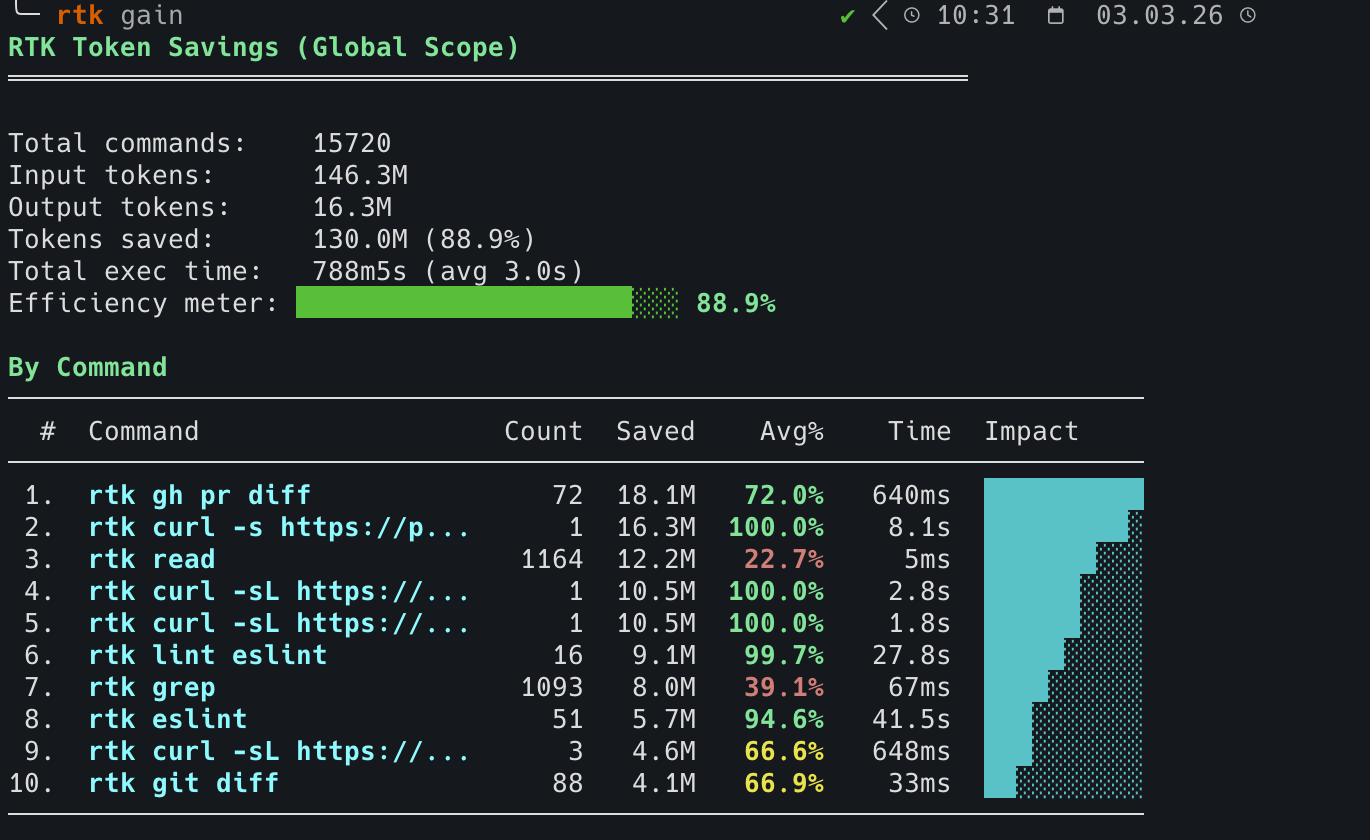
rtk — Make your AI coding agent smarter | CLI proxy
# 脚本安装
curl -fsSL https://raw.githubusercontent.com/rtk-ai/rtk/refs/heads/master/install.sh | sh
# AUR 安装
paru -S rtk命令:rtk/README_zh.md at master · rtk-ai/rtk
初始化:
# 这会安装一个 PreToolUse 钩子,透明地将 Bash 命令重写为 rtk 等价命令。
$ rtk init --global

RTK hook installed/updated (global).

  Hook:      /home/duanluan/.claude/hooks/rtk-rewrite.sh
  RTK.md:    /home/duanluan/.claude/RTK.md (10 lines)
  CLAUDE.md: @RTK.md reference added

Patch existing /home/duanluan/.claude/settings.json? [y/N]
y

  settings.json: hook added
  Restart Claude Code. Test with: git status
  filters:   /home/duanluan/.config/rtk/filters.toml (template, edit to add user-global filters)


  [info] Anonymous telemetry is enabled (opt-out: RTK_TELEMETRY_DISABLED=1)
  [info] See: https://github.com/rtk-ai/rtk#privacy--telemetry
指定初始化:
rtk init -g --opencode
rtk init -g --codex

rtk init -g --agent cursor
rtk init -g --agent windsurf
rtk init -g --agent cline
查看初始化情况:
rtk init --show
rtk Configuration:

[ok] Hook: /home/njcm/.claude/hooks/rtk-rewrite.sh (thin delegator, version 3)
[ok] RTK.md: /home/njcm/.claude/RTK.md (slim mode)
[ok] Integrity: hook hash verified
[ok] Global (~/.claude/CLAUDE.md): @RTK.md reference
[--] Local (./CLAUDE.md): not found
[ok] settings.json: RTK hook configured
[ok] OpenCode: plugin installed (/home/njcm/.config/opencode/plugins/rtk.ts)
[--] Cursor hook: not found
[--] Cursor hooks.json: not found

Usage:
  rtk init              # Full injection into local CLAUDE.md
  rtk init -g           # Hook + RTK.md + @RTK.md + settings.json (recommended)
  rtk init -g --auto-patch    # Same as above but no prompt
  rtk init -g --no-patch      # Skip settings.json (manual setup)
  rtk init -g --uninstall     # Remove all RTK artifacts
  rtk init -g --claude-md     # Legacy: full injection into ~/.claude/CLAUDE.md
  rtk init -g --hook-only     # Hook only, no RTK.md
  rtk init --codex            # Configure local AGENTS.md + RTK.md
  rtk init -g --codex         # Configure ~/.codex/AGENTS.md + ~/.codex/RTK.md
  rtk init -g --opencode      # OpenCode plugin only
  rtk init -g --agent cursor  # Install Cursor Agent hooks
分析:
rtk gain                        # 统计节省
rtk gain --graph                # ASCII 图表(30 天)
rtk discover                    # 发现遗漏的节省机会
Codex / Claude Code 使用无效时,需调整~/.codex/AGENTS.md/~/.claude/CLAUDE.md:
$ nano ~/.codex/AGENTS.md

NO_BUILTINS.
SIMPLE_CMD: rtk <cmd>
COMPLEX_PIPELINE: rtk proxy sh -c "<cmd>"
@/home/xxx/.codex/RTK.md
Cockpit Tools
AI IDE 账号管理工具,目前支持 Antigravity、Codex、GitHub Copilot、Windsurf、Kiro、Cursor、Gemini Cli、CodeBuddy、CodeBuddy CN、Qoder、Trae 和 Zed,并支持多账号多实例并行运行。
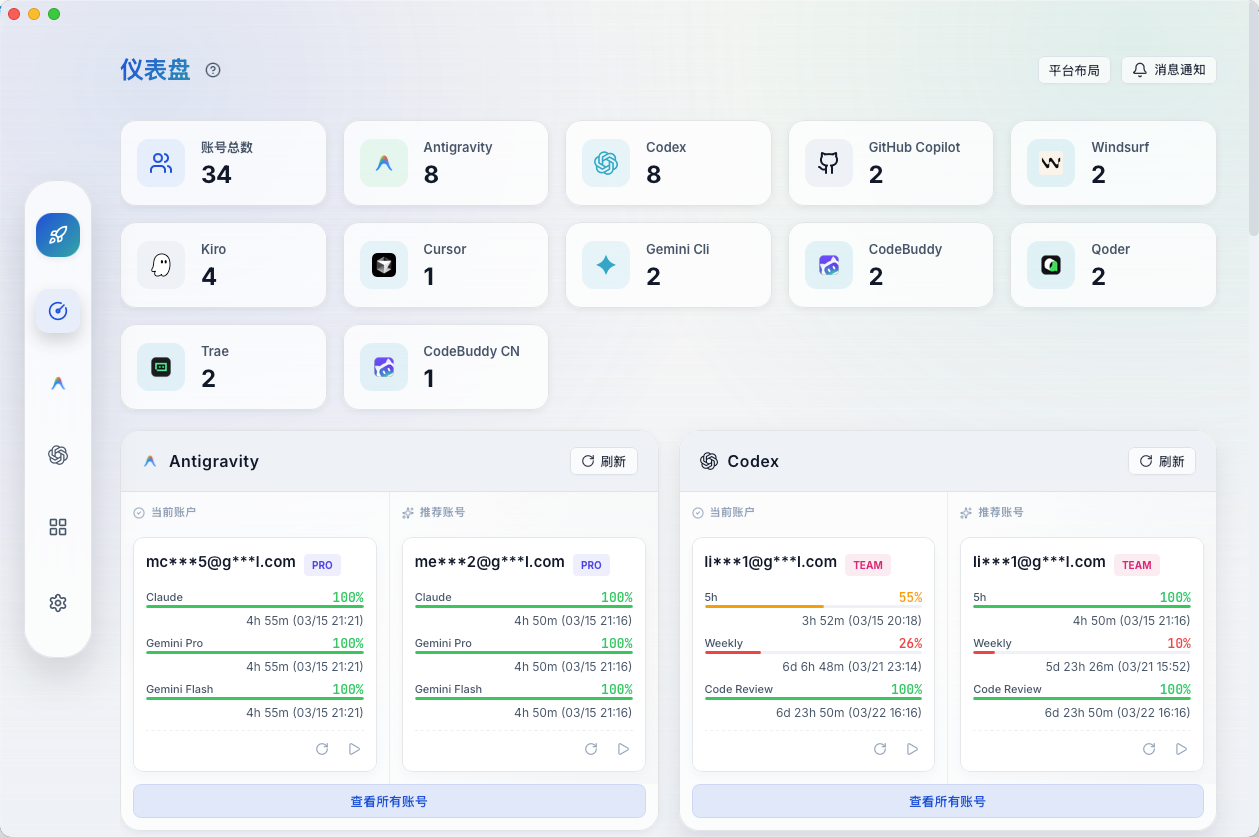
jlcodes99/cockpit-tools - GitHub
paru -S cockpit-tools-binCursor
Cursor 旨在大幅提升您的生产力,是使用 AI 编码的最佳方式。
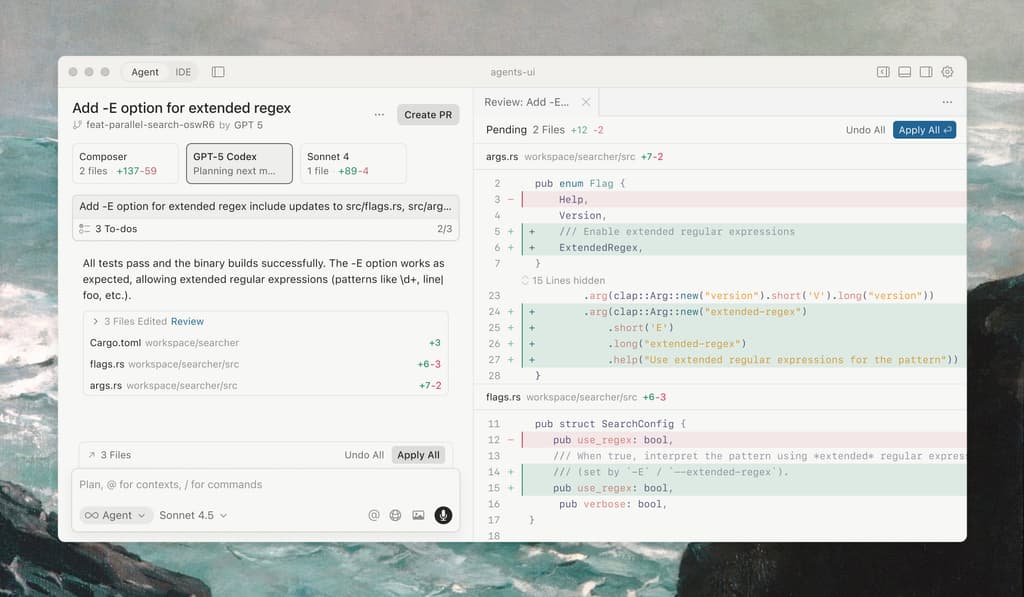
paru -S cursor-binDevin Desktop(原 Windsurf)
Windsurf 现已更名为 Devin Desktop,是一款直观的 AI 编程工具,旨在让您和您的团队始终保持高效的工作状态。
paru -S devin-desktop-nextAntigravity
Google Antigravity AI IDE 是谷歌推出的“Agent-First”智能开发环境,把代码编辑、终端和浏览器级自动化整合到一起,让 AI 能直接参与从编写、调试到验证的整条开发流程。

paru -S antigravityKiro
Kiro 通过基于规格说明的开发,为 AI 编程提供结构化框架,助您发挥最佳水平。
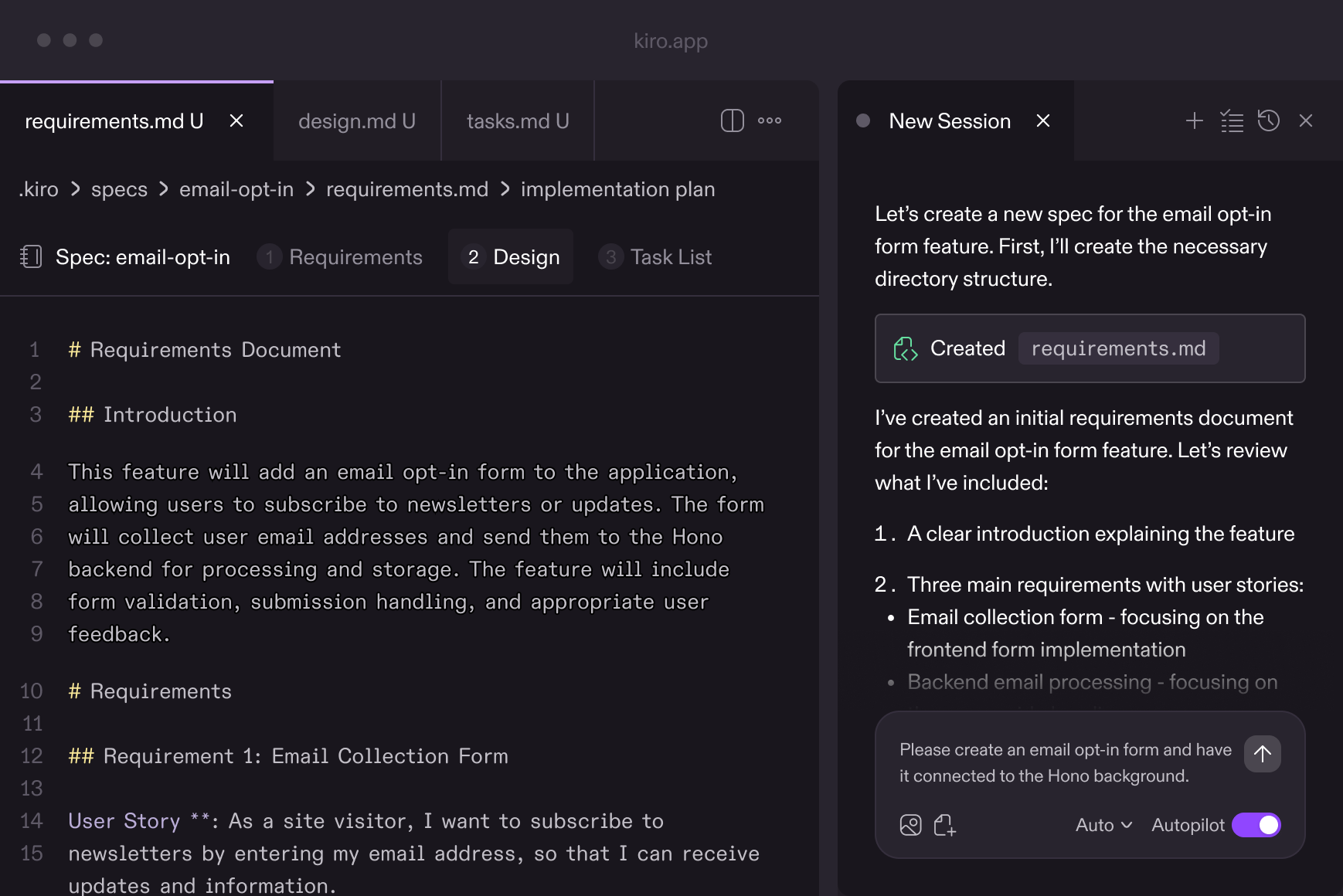
paru -S kiro-ideTrae
TRAE(/treɪ/)深度融合 AI 能力,是一名能够理解需求、调用工具并独立完成各类开发任务的“AI 开发工程师”,帮助你高效推进每一个项目。
Download | TRAE - Collaborate with Intelligence
paru -S trae-binQoder
Qoder,面向真实软件的智能体编程平台
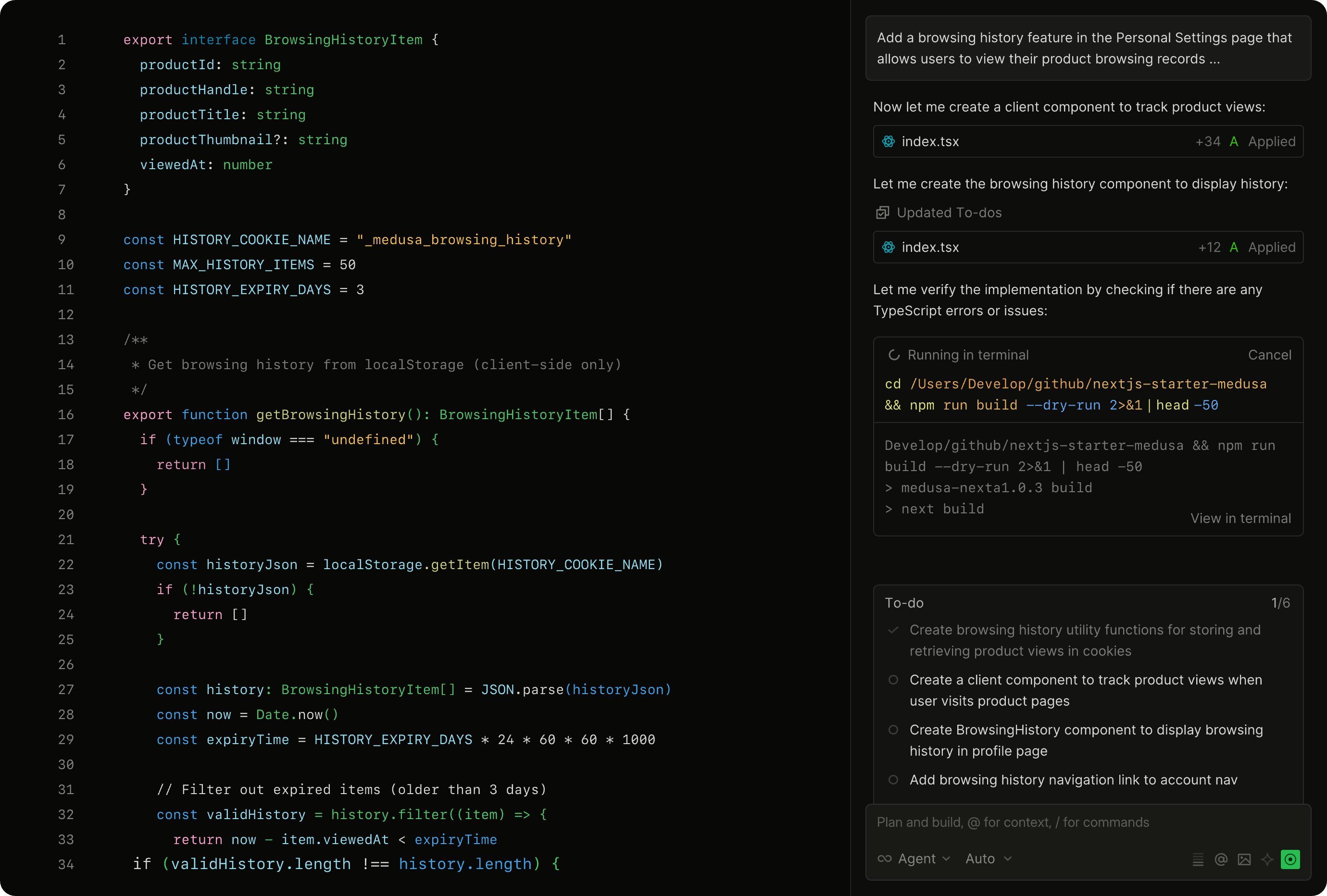
paru -S qoder-binSuperset
面向人工智能代理时代的代码编辑器 - 在您的计算机上运行大量 Claude Code、Codex 等程序。
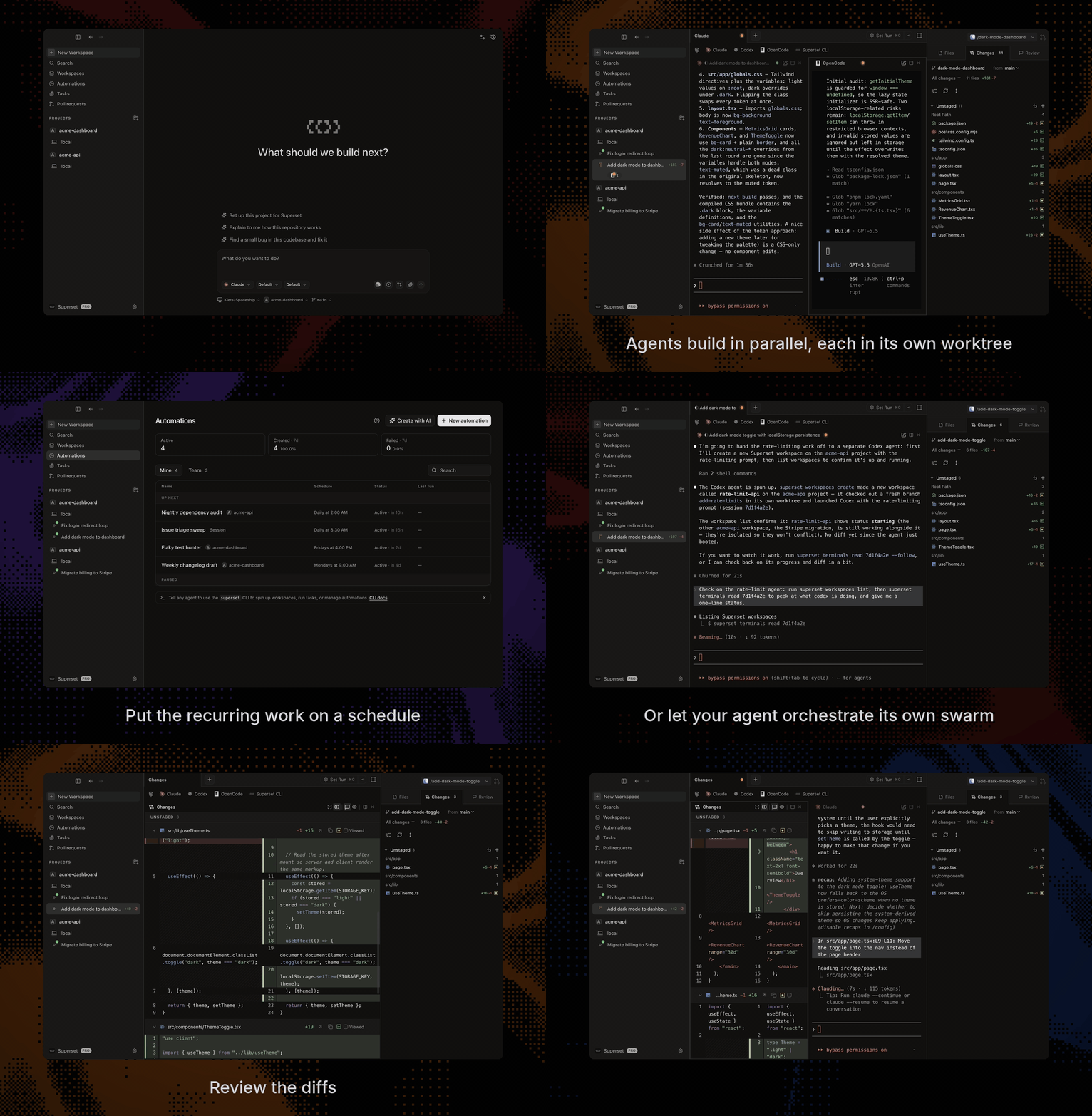
Superset - Run 10+ parallel coding agents on your machine
paru -S superset-bin