Games
Steam
Steam is a digital distribution platform that provides purchasing, downloading, and library management for thousands of games. It also includes multiplayer services, community features, and achievements, and remains one of the largest PC gaming platforms in the world.
Steam - A high-quality game platform
sudo pacman -S steam

# The first launch with a proxy or TUN may download updates
proxychains -q steam
Heroic Games Launcher
Heroic is a free and open-source launcher for Epic, GOG, and Amazon Prime Games on Linux, Windows, and macOS. It also works well on Steam Deck.
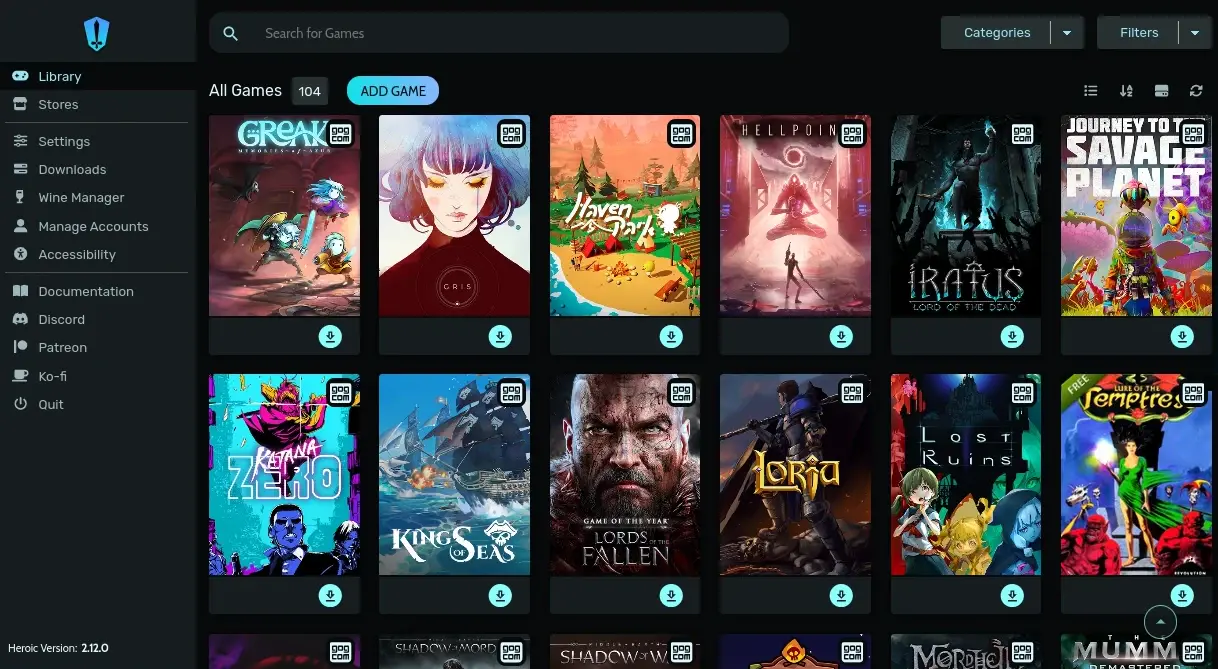
paru -S heroic-games-launcher-binLutris
Lutris is an open-source game management platform for Linux. It unifies launching and managing games from GOG, Epic, Steam, emulators, and other sources through different runners.
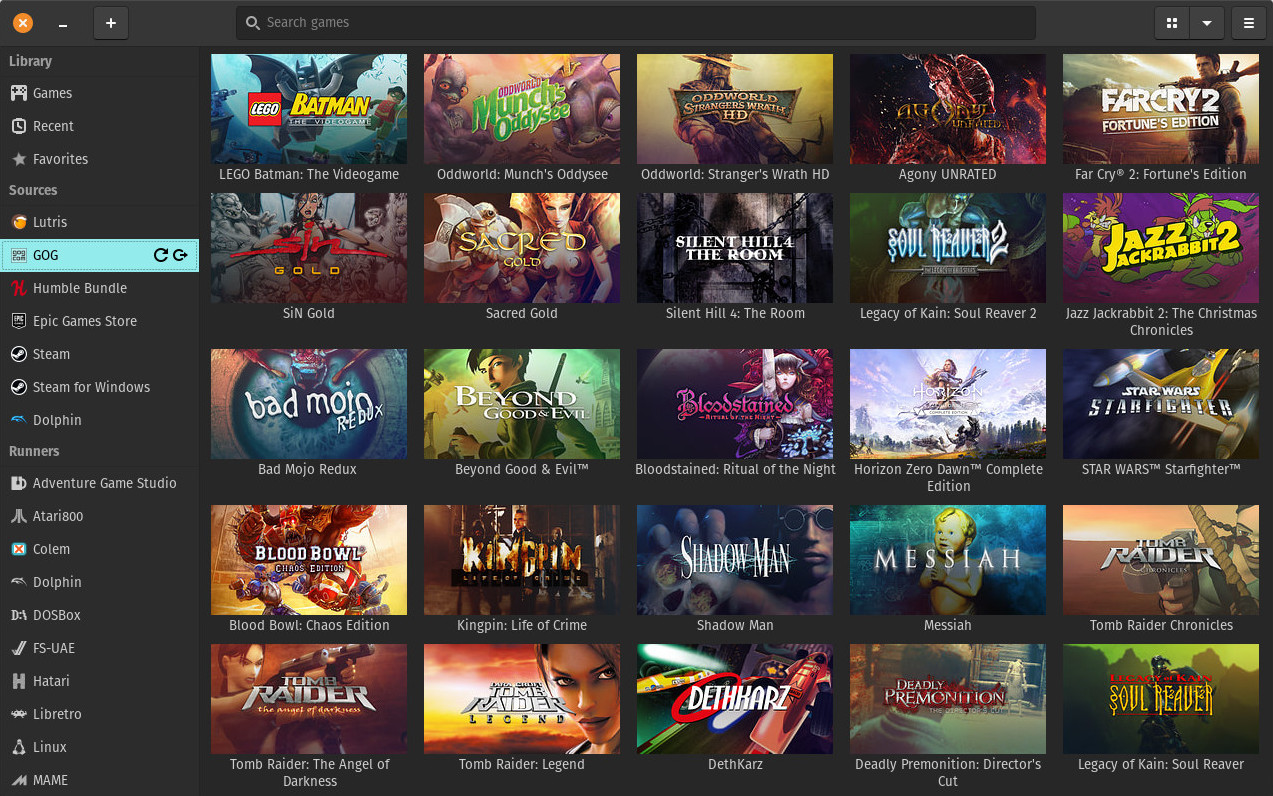
sudo pacman -S lutrisWatt Toolkit: Steam++
An open-source, cross-platform toolbox focused on Steam-related features.
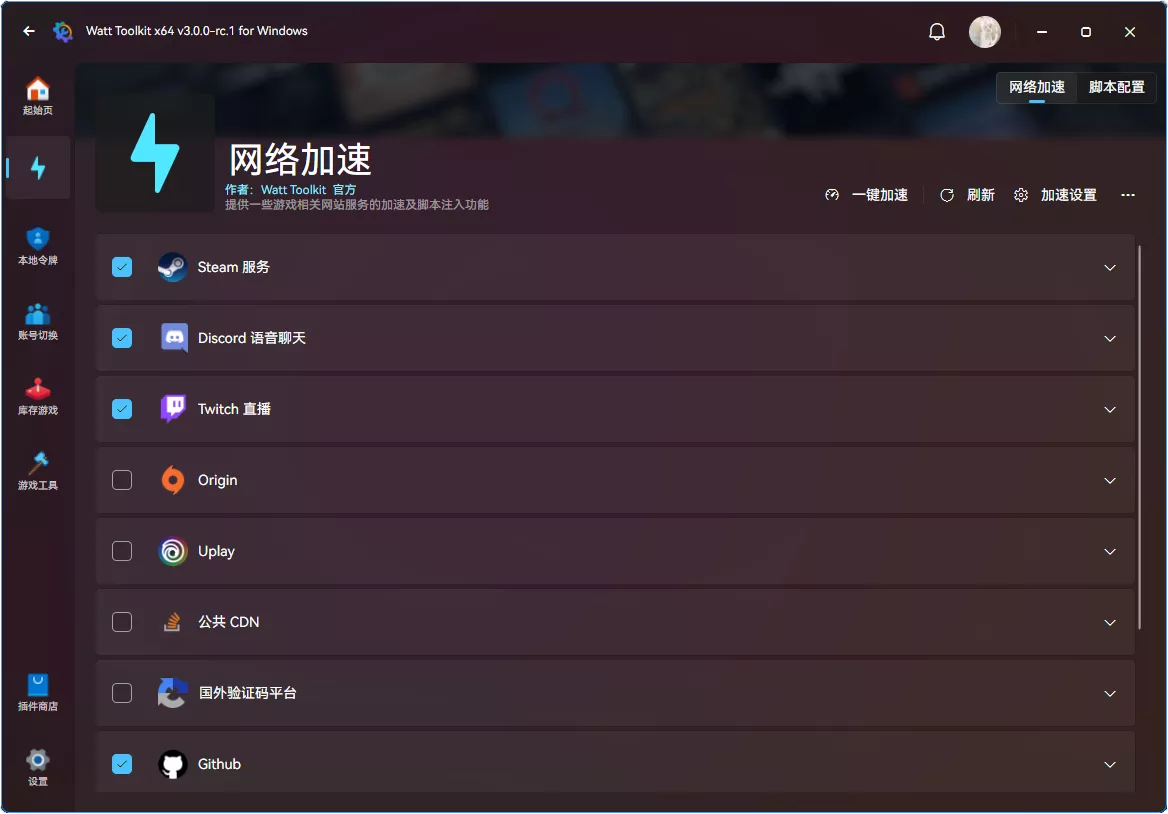
paru -S watt-toolkit-binMinecraft Launchers
HMCL
HMCL is an open-source, cross-platform Minecraft launcher. It supports mod management, custom game settings, automatic installation of Forge, NeoForge, Cleanrooddm, Fabric, Quilt, LiteLoader, and OptiFine, modpack creation, and UI customization.
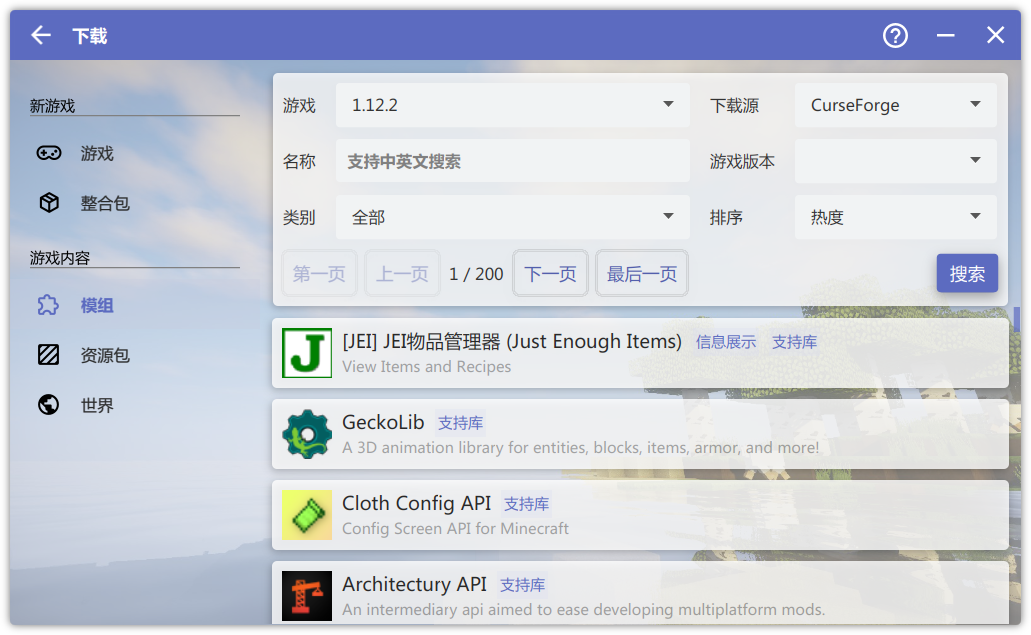
Option 1: install from AUR
# install
$ paru -S hmcl-bin

# fix scaling
$ sudo nano /usr/share/applications/hmcl-bin.desktop
# change Exec=hmcl-bin to:
Exec=/usr/bin/java -jar -Dglass.gtk.uiScale=1.5 /usr/share/java/hmcl-bin/hmcl-bin.jar
Option 2: install with a script
# install or update
curl -fsSL https://raw.githubusercontent.com/duanluan/shell-scripts/main/install-hmcl.sh | bash
Option 3: install manually
Download the latest stable JAR from the official site or GitHub Releases.
mkdir ~/.local/share/hmcl
mv HMCL-3.7.5.jar /home/duanluan/.local/share/hmcl/HMCL.jar

# download the icon
wget -P /home/duanluan/.local/share/hmcl https://docs.hmcl.net/assets/img/hmcl.png

# create a desktop entry
$ nano /home/duanluan/.local/share/applications/hmcl.desktop

[Desktop Entry]
Version=1.0
Type=Application
Name=HMCL
Comment=Hello Minecraft! Launcher, a powerful Minecraft launcher.
Exec=/usr/bin/java -jar -Dglass.gtk.uiScale=1.5 /home/duanluan/.local/share/hmcl/HMCL.jar
Icon=/home/duanluan/.local/share/hmcl/hmcl.png
Terminal=false
StartupNotify=false
Categories=Game;
StartupWMClass=org.jackhuang.hmcl.Launcher
LauncherX
A next-generation Minecraft launcher with a polished interface and a strong feature set.
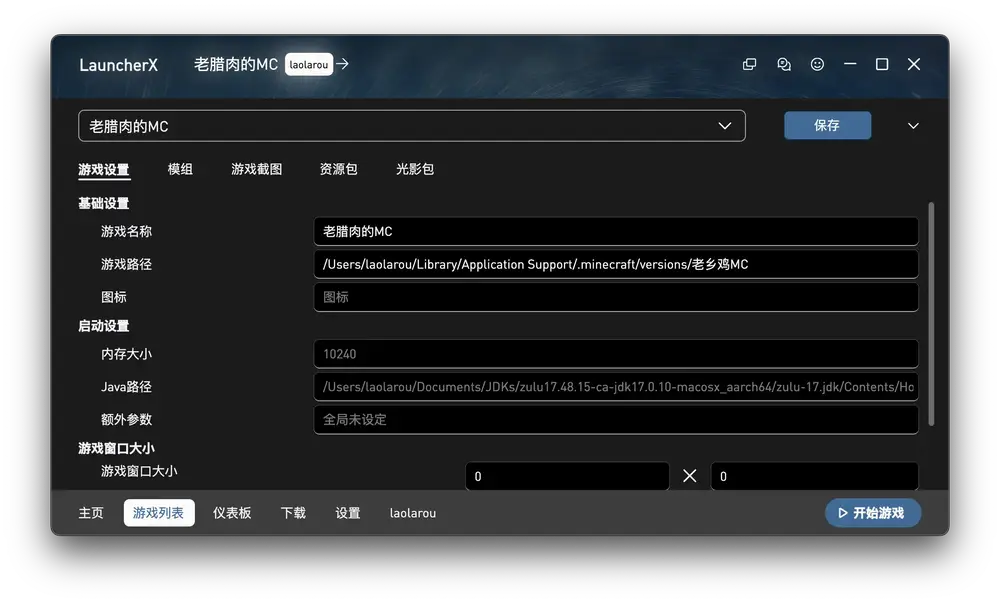
LauncherX Download - Corona Studio
# install with script
curl -fsSL https://raw.githubusercontent.com/duanluan/shell-scripts/main/install-launcherx-bin.sh | bash
SJMCL
SJMC Launcher is a modern, cross-platform Minecraft launcher built with Tauri. It was initiated by members of the Shanghai Jiao Tong University Minecraft community and is maintained together with open-source contributors.
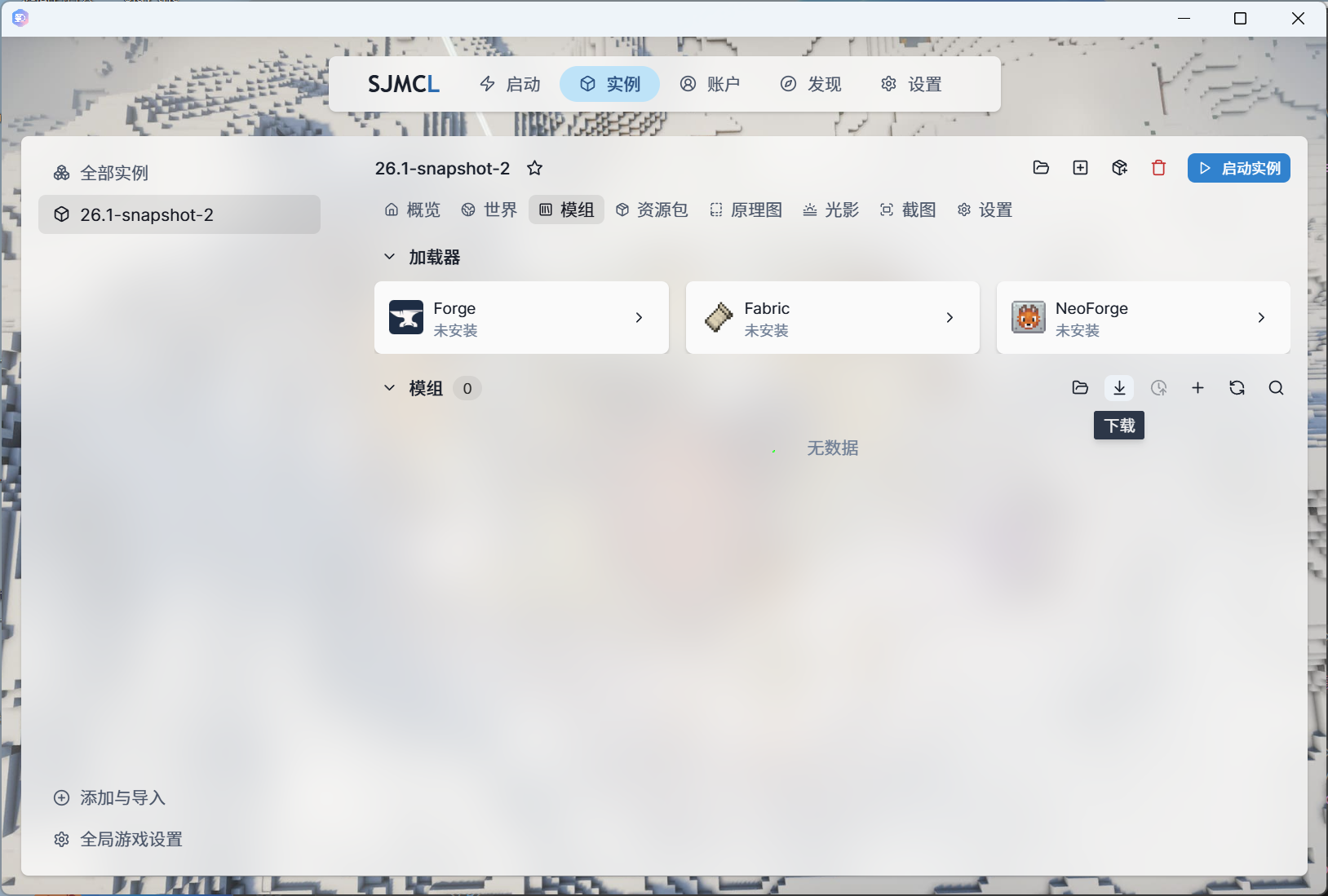
SJMC Launcher | A new-generation open-source cross-platform Minecraft launcher
paru -S sjmcl-binIf the app launches with no visible UI or only a white line:
Search for SJMCL in the launcher, right-click Edit Applications..., and in the KDE menu editor add WEBKIT_DISABLE_DMABUF_RENDERER=1 under General -> Environment Variables. Save the entry and restart the app.